
How to Access the Web Console in AnySecura | User Guide
This guide will show you how to reach the AnySecura Web Console, your central dashboard for managing security settings. You'll learn the simple step of entering a server address into your web browser to bring up the login page.
We'll walk through the different address formats you might use, from a simple IP to a domain name with a specific port. Understanding these options ensures you can always access your AnySecura console, no matter how your network is configured.
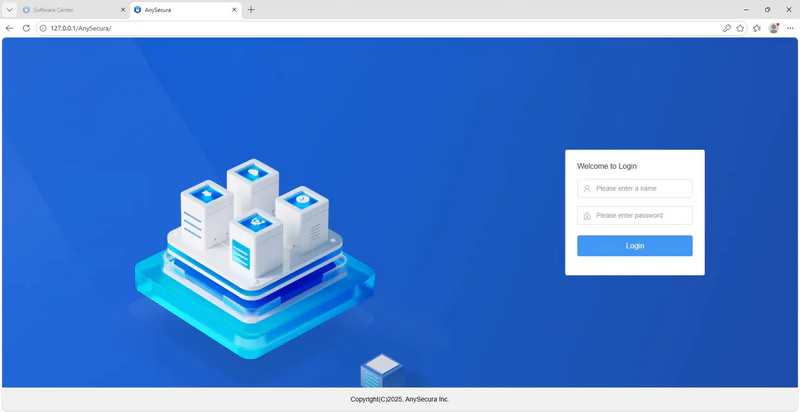
Enter the server address in the browser’s address bar to access the login page.
Examples of server addresses:
- 1. IP + default port 80: 192.168.2.203
- 2. IP + non-default port 8080: 192.168.2.203:8080
- 3. Domain name + mapped port: tec.oicp.net:10941
- 4. With "http" prefix: http://192.168.2.203