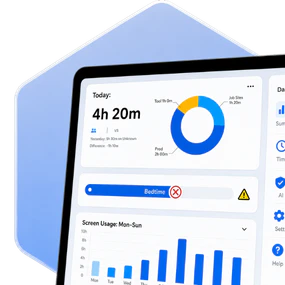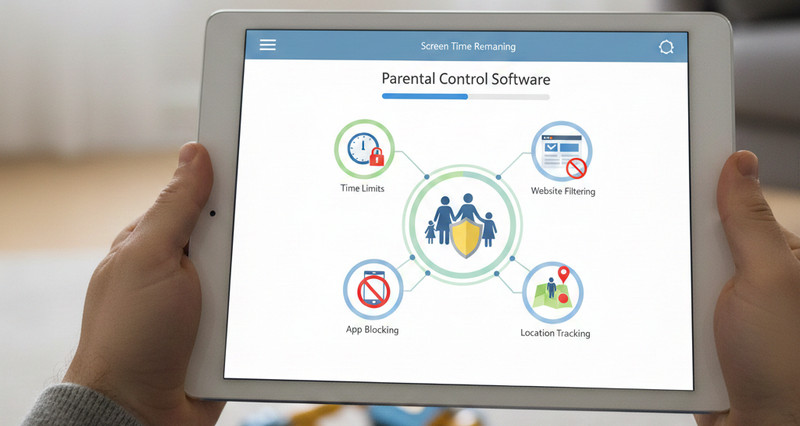


One Calm Dashboard

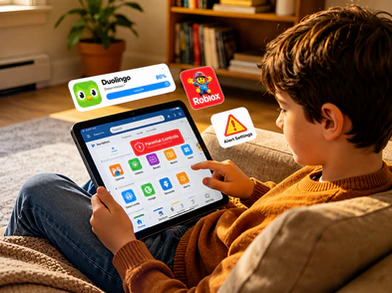
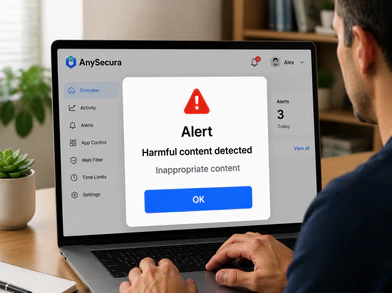
Rules, visibility, alerts, and routines in one place.

Family-first Controls

Built to support safer habits, not just stricter blocking.

Smarter Daily Boundaries

Set screen time, app access, and web rules that fit real family routines.
Why Parents Choose AnySecura

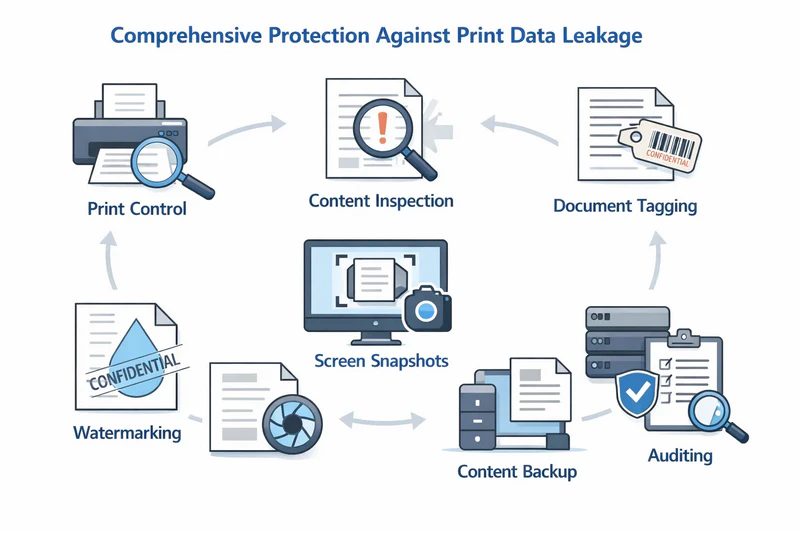
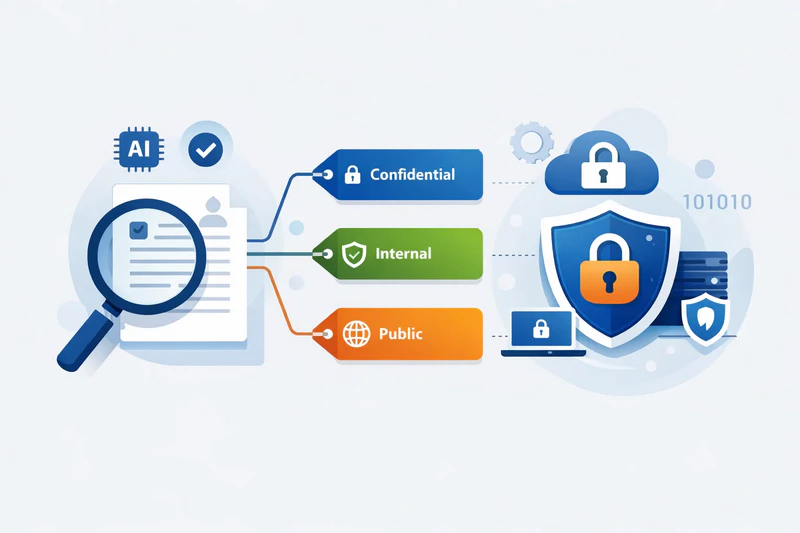
You Need More Than Basic Screen-Time Limits

Today’s digital risks are not limited to too much screen time. Parents are also dealing with inappropriate websites, distracting apps, late-night device use, changing routines, and behavior shifts that are easy to miss until they become bigger problems. AnySecura helps families stay ahead of those moments with clearer visibility, practical controls, and healthier digital boundaries.
anysecura parental control
01
Protect
AnySecura blocks inappropriate content and reduces digital risks before they turn into stressful family problems.

02
Balance
AnySecura helps create healthier routines with screen time limits, schedules, and fewer arguments around device use.
03
Stay Informed
Know when behavior needs attention through activity visibility, alerts, and easy-to-review records.
04
Guide
Turn digital parenting into a calmer, clearer process built on rules, conversations, and consistency.
anysecura parental control
Core Capabilities

How AnySecura Helps You Protect Kids Online

Every feature is designed to help parents take practical action without adding more complexity to daily family life.

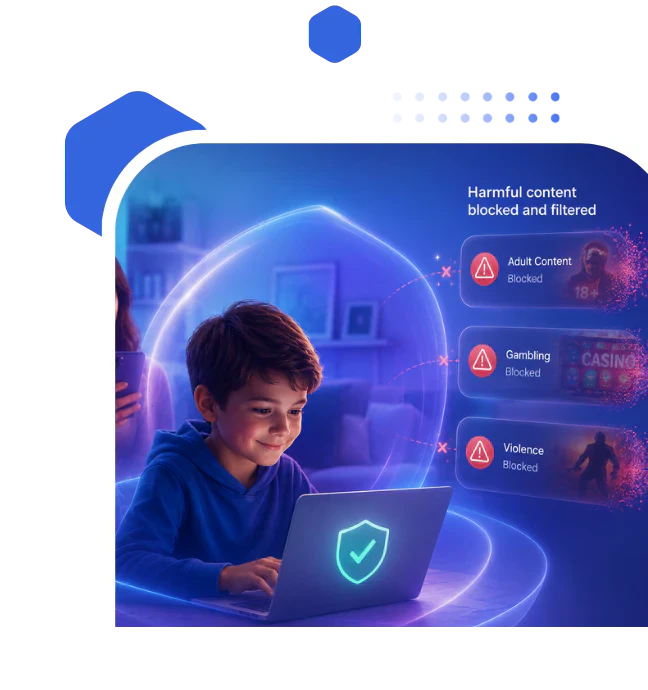
Filter Inappropriate Content & Apps

Easily block harmful websites and apps, including adult, violent, or gambling-related content. AnySecura also records screen activity for playback and review when parents need additional context.
AnySecura web filter blocks harmful websites
Category customization
Set allowed and blocked content based on age and family preferences.
Dual-mode control
Use a whitelist for safe-only access or a blacklist for instant blocking.
Content guidance
Display educational alerts for neutral content to help kids make safe choices.
Activity history
Review visited websites and app activity for greater transparency into daily device usage.
AnySecura web filter blocks harmful websites

Create Healthier Screen-Time Habits

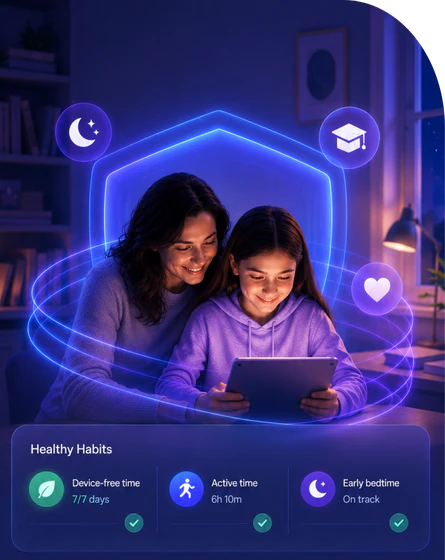
Manage device usage with screen time controls, daily limits, and scheduled breaks that support healthier digital habits. With AnySecura, parents can restrict access at certain times to encourage focus, family time, and better sleep.

Usage insights

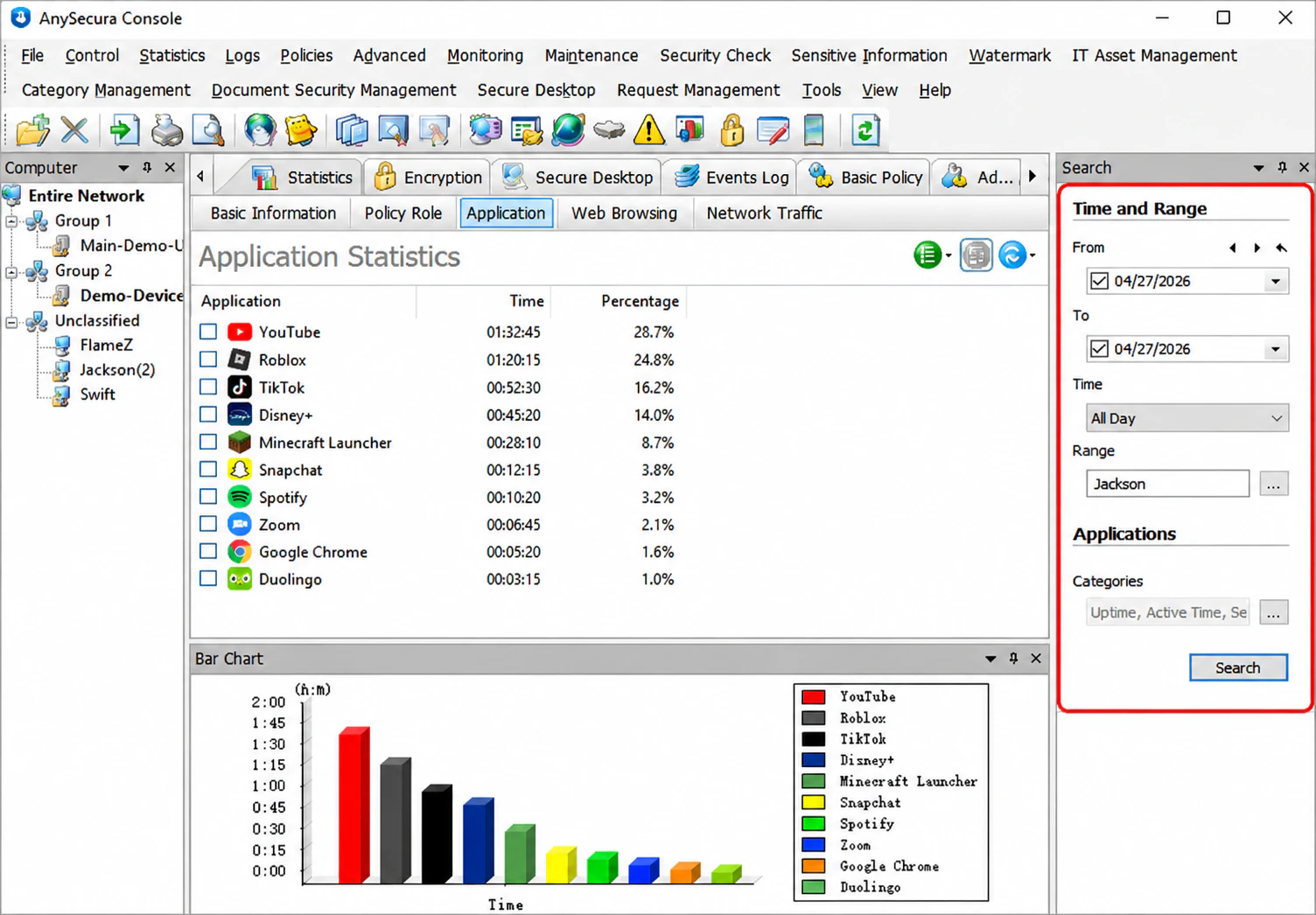
Track daily and weekly app and web usage automatically to help reduce overuse and improve focus.

Scheduled break control

Block entertainment content during study time, bedtime, and family hours.

Limit reminders

Notify children when usage limits are approaching to encourage healthier self-management.
AnySecura web filter keeps children safe online
24/7
Protection

Detect Risky Online Behavior Early

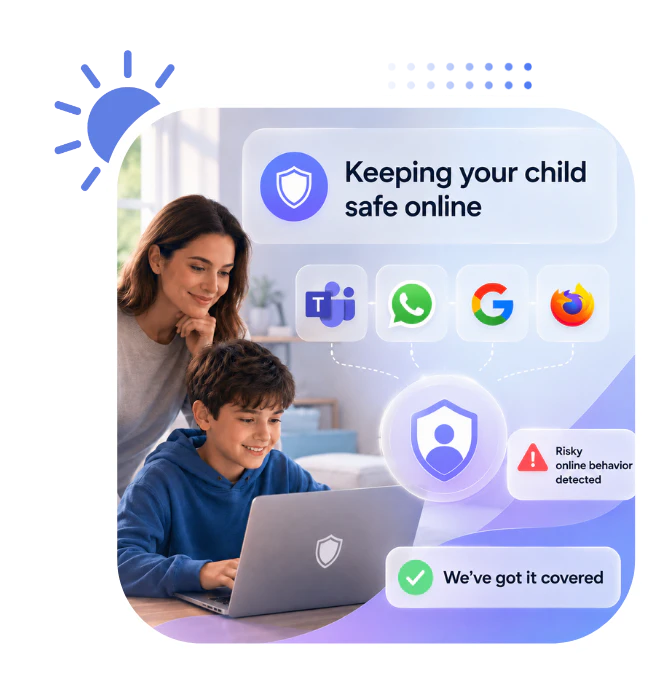
Understand your child’s digital habits through behavior tracking, keyword insights, and scheduled screenshots. AnySecura helps identify unusual activity patterns, sensitive searches, and late-night usage early, while also providing browsing visibility and keyword alerts from supported chat apps like WhatsApp and Teams.
AnySecura web filter monitors social media apps
Browser Keyword Monitoring
Review searched keywords and browsing behavior to spot signs of harmful content, cyberbullying, or unsafe online interests.
Scheduled Screen Snapshots
Capture periodic screenshots to better understand app usage patterns and online activity throughout the day.
anysecura parental control

Manage Apps & Protect Devices

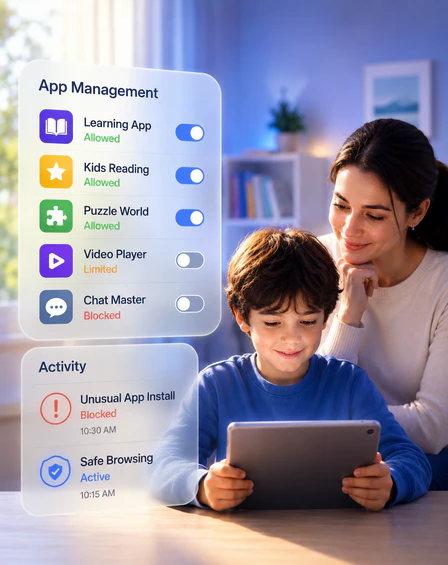
Monitor installed apps, control software access, and prevent unauthorized changes to the device. AnySecura helps parents manage app safety without disrupting normal learning or communication tools.
Anti-uninstall
protection
Real-time status tracking
  • Prevent children from removing AnySecura or protected apps without permission.
  • Monitor running processes and precisely intercept suspicious services without fully blocking the application itself.
anysecura manage and block app
How it works

Protect Your Kids with AnySecura in 4 Simple Steps

AnySecura is set up once and works quietly in the background — giving you visibility without turning into a surveillance tool.
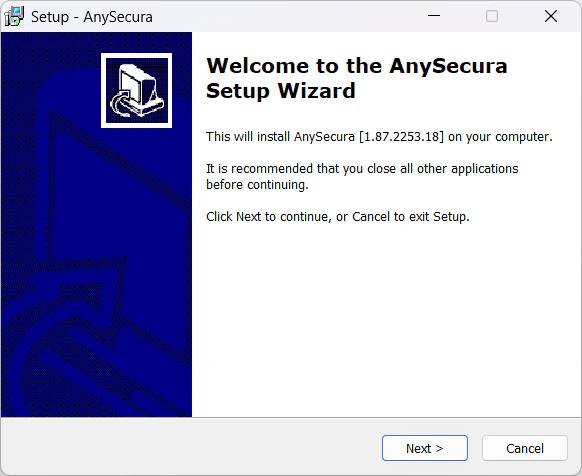
AnySecura installer screen on a laptop
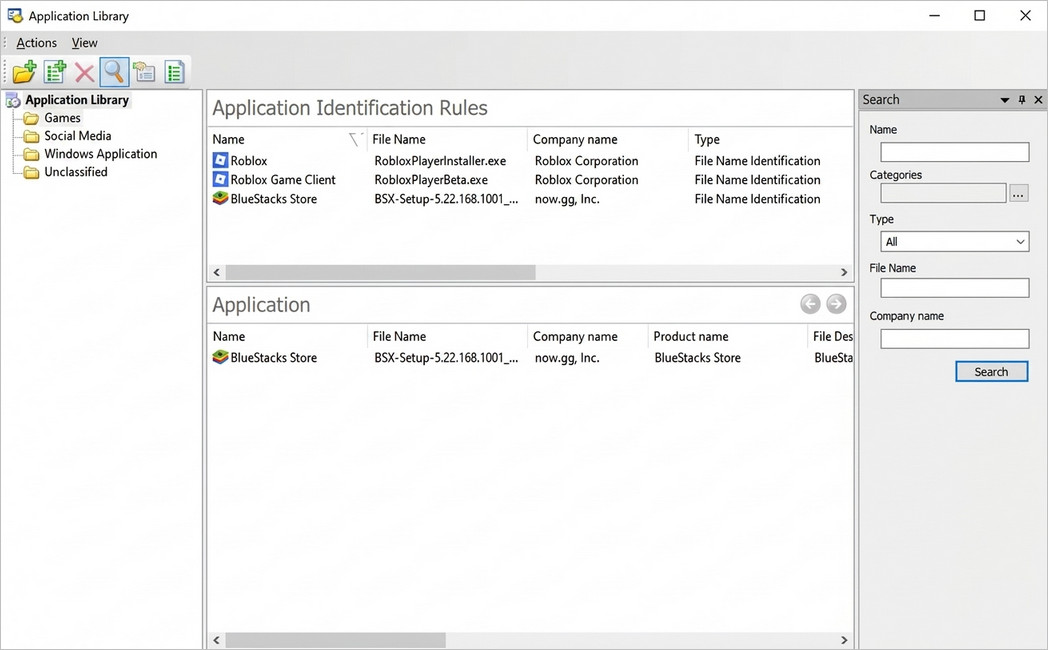
AnySecura dashboard showing rule configuration
AnySecura activity insights dashboard
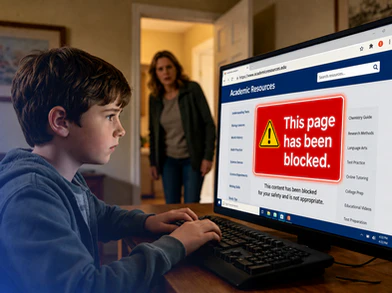
Parent managing AnySecura settings on mobile phone

Follow this guide below to download and install AnySecura on your device, then generate the agent and install it on your child’s Windows PC.

Use Cases

Flexible Enough for Everyday Family Life

AnySecura is built for the moments parents actually deal with every week, not just ideal scenarios.
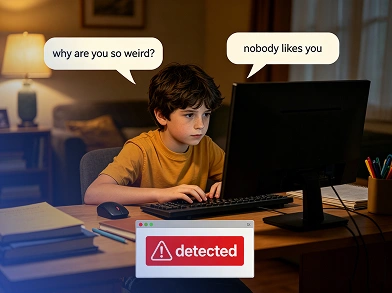
prevent cyberbullying

Worry about cyberbullying?

We help you how to prevent cyberbullying by social media monitoring and detecting harmful content early.
anysecura manage screen time

Tired of poor screen performance?

Use Anysecura to control screen time and help kids prevent gaming addiction.
anysecura keep child online safe

Scared of inappropriate content?

Block harmful content automatically and guide kids to identify risks with custom alerts.
anysecura block risky install

Harmful apps get installed?

Parental control blocks risky installs and restricts uninstalls from education apps.
anysecura make child focus on study

Need focus for school?

Limit entertainment apps and block distractions during homework time.
anysecura let you protect kids anytime

No time to supervise kids?

All-in-one dashboard and remote control let you protect kids anytime, anywhere.
Check AnySecura FAQs

Quick Answers for Busy Parents

  • 1. Is AnySecura easy to set up?
    Yes. The setup is designed to be straightforward, so parents can create rules, apply filters, and begin managing devices without a long or confusing onboarding process.
  • 2. Can I manage screen time and website access in one place?
    Yes. AnySecura brings screen-time controls, website blocking, app management, and alerts into one dashboard for easier day-to-day use.
  • 3. Can I adjust rules as my child gets older?
    Yes. You can update schedules, limits, and access rules as routines change and your child’s digital habits become more independent.
  • 4. Will this help reduce daily arguments about devices?
    It can help by making expectations clearer and more consistent. When rules are set in advance, parents spend less time negotiating them in the moment.
  • 5. How to block all 18+ sites on Google using Anysecura?
    You can easily block adult or inappropriate content using built-in web filtering tools. For example, you can create custom website categories (e.g. adult, violence, gambling). And then use the blacklist mode to block these harmful sites. Otherwise, set whitelist mode to allow only approved content for your peace of mind.
  • 6. Is AnySecura only for strict blocking?
    No. The goal is not only to block risks, but also to help parents guide healthier digital habits with more clarity and less friction.
Our Testimonials

Trusted by Many Parents

Parents choose AnySecura when they want better digital oversight without turning family life into constant monitoring or constant arguments.
protect kids with anysecura

Protect Your Kids Today with AnySecura