
How to Logout and Login in Windows Encrypted Client with AnySecura | User Guide
This guide will show you how to securely manage your access to the AnySecura Windows Encrypted Client. You'll learn the simple steps to log out, temporarily disabling all encryption functions to protect your data when stepping away.
We'll then walk through logging back in to restore full access, ensuring your encrypted files are available again. This control puts you in charge of your data's security with the AnySecura system.
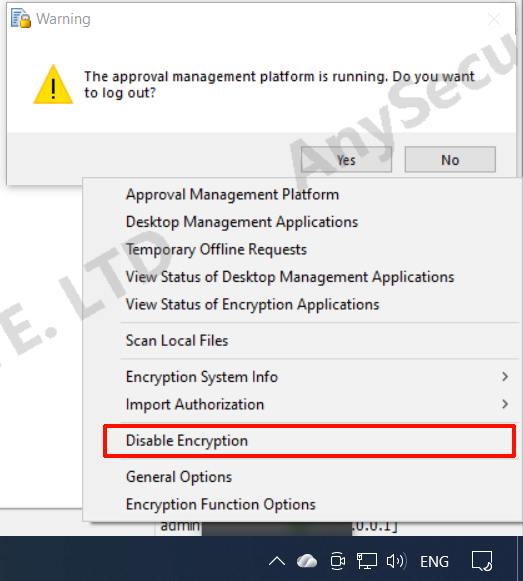
For clients permitted to log out of the encryption system, right-click the client icon in the system tray and select "Logout from Encryption System". After logout, all encryption functions are disabled and encrypted files cannot be opened.
To log in, right-click the client icon in the system tray and select "Login to Encryption System". Enter the security password to log in successfully and restore full encryption functions.