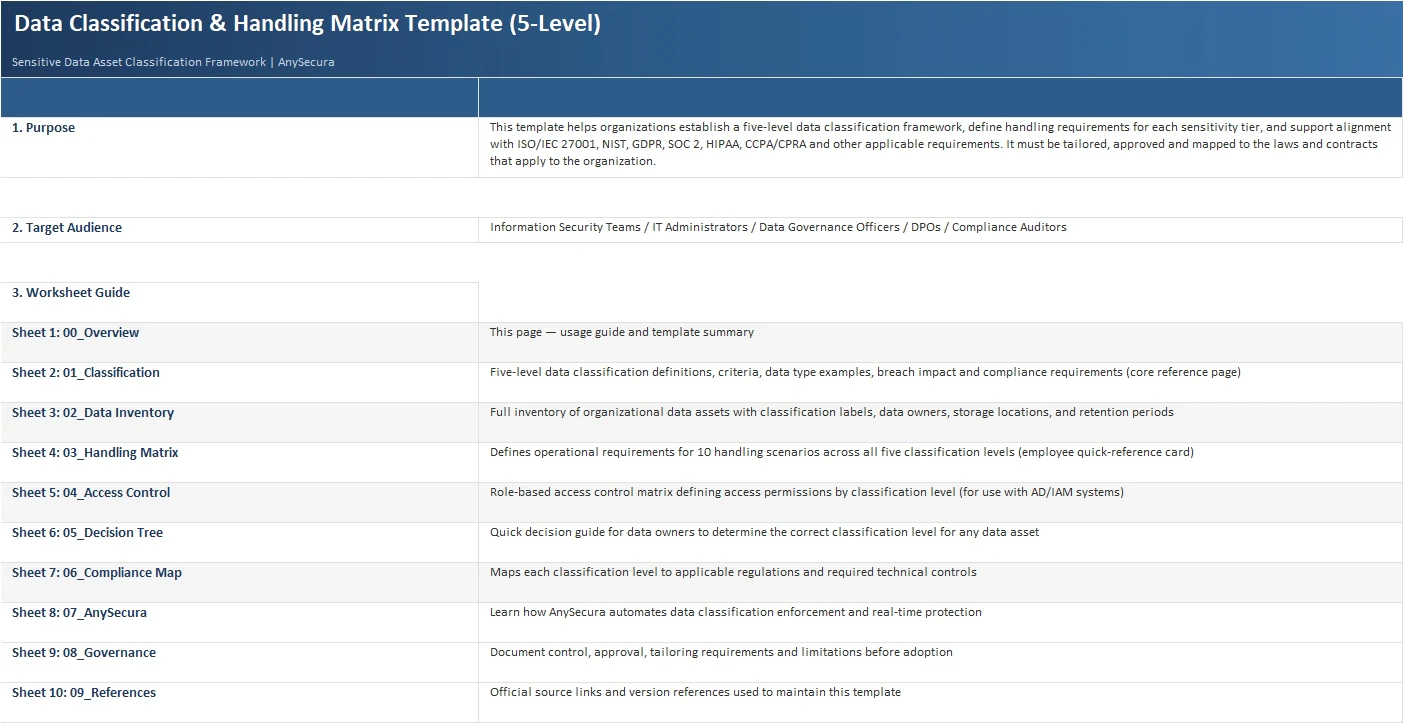
What This Resource Includes
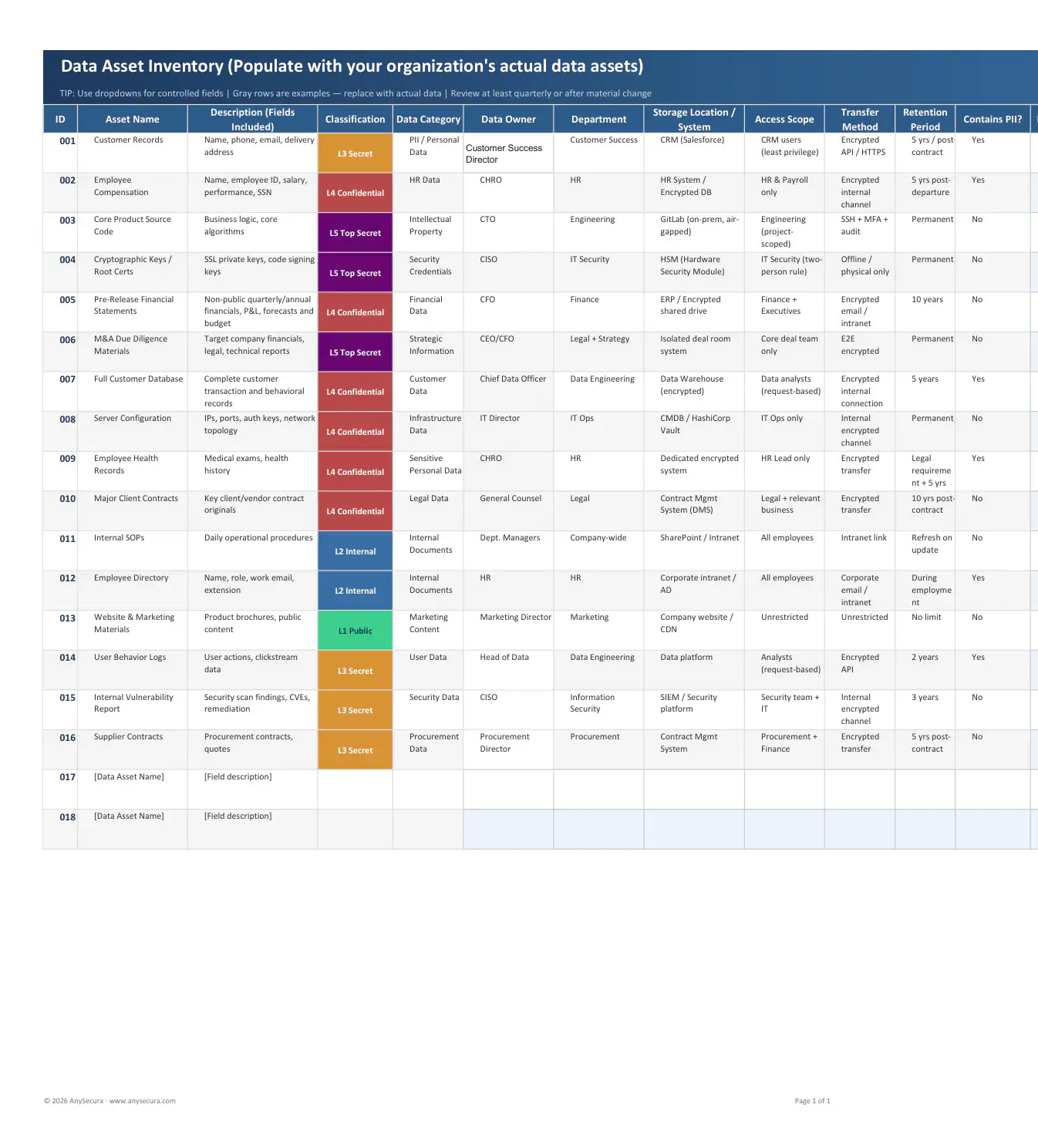
Start with a spreadsheet of real assets—CRM exports, payroll files, source code, contracts, public web content—and turn each row into a practical handling decision.
Label real data assets
Classify a CRM export, employee payroll file, source-code repository, vendor contract, or public brochure using five clear levels.
Make handling rules usable
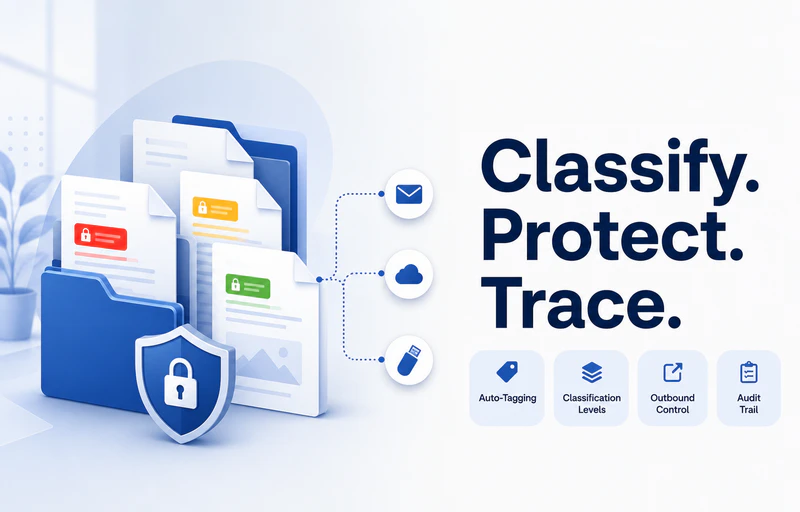
See at a glance whether each level may go to email, cloud storage, USB, print, mobile devices, or third parties.
Turn labels into owners and controls
Assign a data owner, access roles, retention period, PII flag, review date, and technical safeguards for every asset.
Built for Practical Data Governance
This is useful during a new DLP rollout, an ISO 27001 or SOC 2 audit, a cloud migration, or a post-incident cleanup. Put your actual assets in the inventory, agree on the level with the owner, then use the handling and access sheets to turn that decision into day-to-day rules.
- Start with the files people actually move: CRM exports, payroll data, source code, contracts, support tickets, and cloud folders.
- Apply Public, Internal, Secret, Confidential, or Top Secret consistently instead of relying on personal judgment.
- Give employees a simple answer to “Can I email this, upload it, print it, or put it on USB?”
- Use the owner, access, retention, and review fields to prepare for audits and reduce stale permissions.