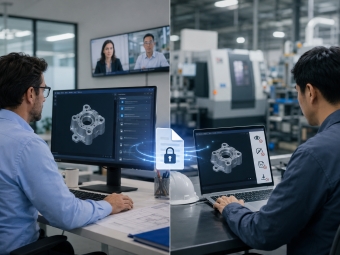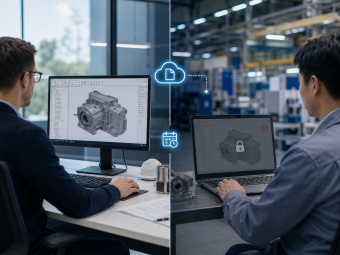






Limited Offer CAD File Security Solution — 50% Off! Protect your engineering IP across internal teams and external supply chains.
The Problem

CAD Files Are Hard to Protect
Because They're Designed to Be Shared

Every share is a potential exposure point. Generic security tools were never built for this.

File copies out of control

Once employees share designs via email, personal cloud storage, or USB drives, copies scatter across private inboxes and personal devices.

Every Handoff Is a New Risk

Designs flow to suppliers, subcontractors, manufacturers, and clients. Every step down the chain adds another place your file can leak.

No Expiry on Deliveries

When you send CAD drawings to a subcontractor, the file persists on their systems indefinitely.

How We Solve It

One platform. Every critical
point in the CAD security chain.

From locking the file itself, to controlling who can do what, to killing access when a project ends — five capabilities that address every leak point.

Encryption that follows the file, not the folder

Encryption and access policies are embedded directly in the file itself, not tied to a network perimeter or storage location. Whether a file is copied to a USB drive, sent as an email attachment, or uploaded to a collaboration platform, the protection policy remains fully active. The file and its protection are inseparable.

Transparent encryption

Specified file types are encrypted automatically and continuously — no manual steps, no changes to how engineers work.

Secure Access Gateway

Protects CAD files stored on PLM or ERP servers. Files are encrypted on download, and unauthorized endpoints are blocked from access.

Offline authorization

Engineers on business trips can use encrypted files for a defined time window. Access automatically reverts to restricted when the window closes.
AnySecura Protect Your Data from Leak
AnySecura File Encryption
24/7
Protection

Every partner gets exactly what they need, nothing more

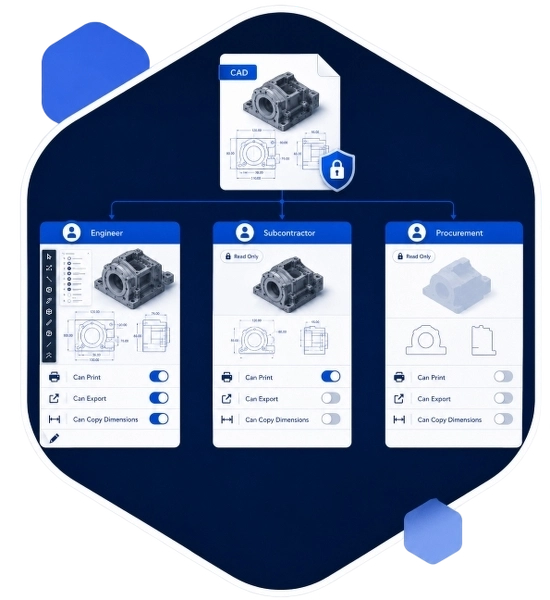
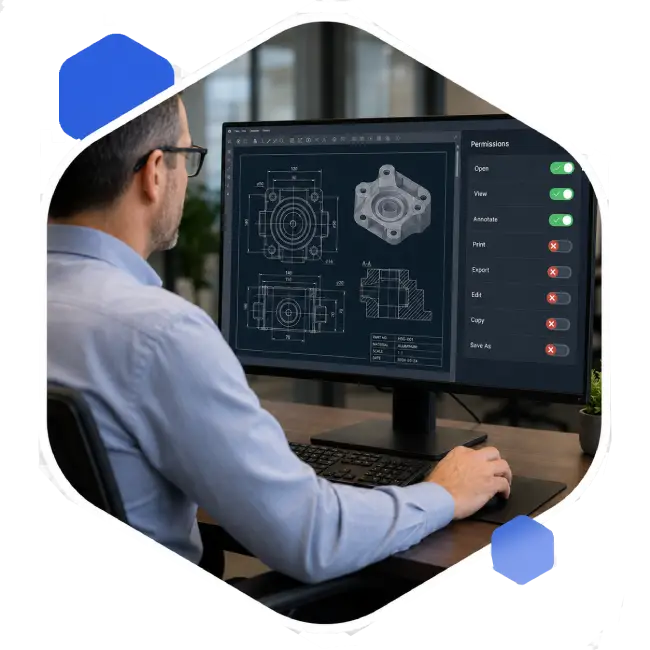
Configure differentiated permissions by role, project, or supplier tier. Engineers get full edit access; subcontractors get read-only; procurement sees only non-critical views. Permissions extend down to "can print," "can export," and "can copy dimensions" .
Intelligent Content Scanning & Auto-Encryption

File tagging and classification

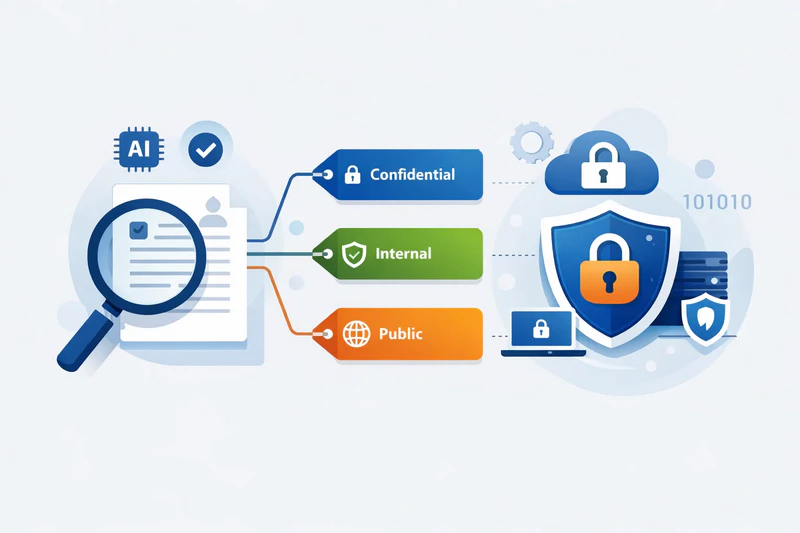
Label CAD files as Top Secret, Confidential, Restricted, Internal, or Public. Access policies, encryption, and outbound controls are applied automatically based on level.

Granular encrypted file permissions

Authorization is precise down to individual operations — not just who can open a file, but exactly what they can do inside it.

Supplier tiering

Different partner tiers receive different access scopes. Boundaries are clear, auditable, and enforced — no unauthorized escalation possible.
AnySecura Intelligent Content Scanning & Auto-Encryption

Files you send out don't have to stay out forever

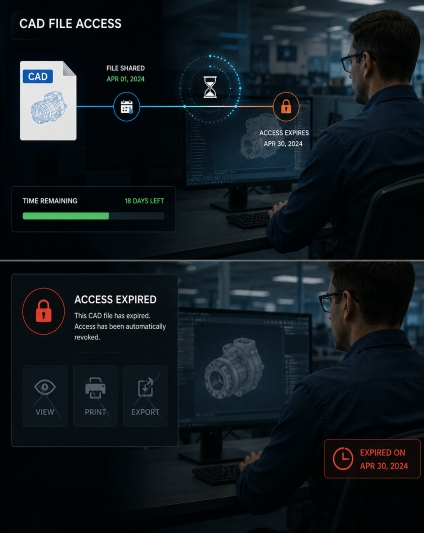
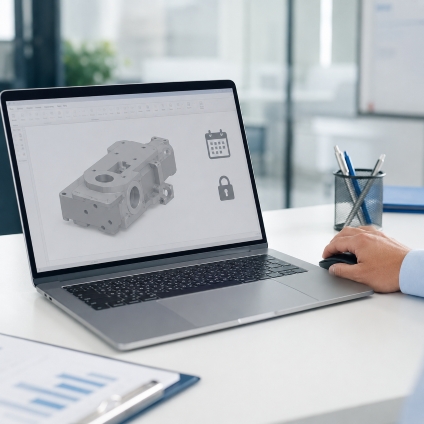
When sharing CAD files with external vendors, set expiration dates, view limits, and allowed operations per delivery. When a project ends, any copies already downloaded become instantly inaccessible, even offline.

Authentication

Password-required access — only the intended recipient with the correct credential can open the file.

Expiry Date & Open Count Limit

Set a date range and maximum open count. After either limit is reached, the file auto-locks.

Operation Restrictions

Block copy, drag-export, Save As, format export, screenshots, screen recording, editing, and re-saving — individually configurable per delivery.
CAD file expiry management with automatic access revocation after set deadline
Flexible CAD file operation permissions: allow view, deny export, deny print, deny copy
24/7
Protection

Even with access, extraction stays blocked

Even users with viewing rights cannot capture design details via screenshot tools, printers, or phone cameras. This closes the grey-area leakage path — photographing a screen to bypass encryption — from both the office and the factory floor.
Intelligent Content Scanning & Auto-Encryption

AI Visual Perception

Uses the device camera to detect employees photographing screens with a phone. On detection, the machine locks instantly and the event is logged. Built for factory shared terminals.

Print control and watermarking

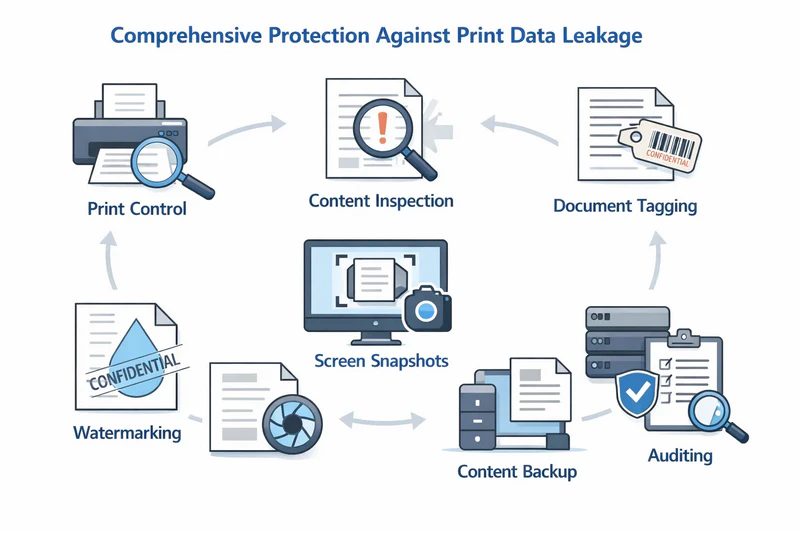
All print content is logged and imaged. Watermarks embed the printer's identity and a scannable QR code. CAD applications can be individually restricted from printing.
AI camera detection preventing phone photography of CAD designs in factory or office

When something goes wrong, you'll know exactly what happened

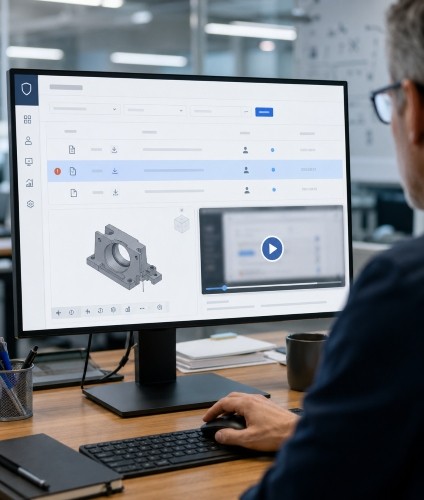
The system automatically records a complete activity log for every CAD file: who opened which version, when, on what device, and from where — and what they did with it. When a breach occurs, you can identify the responsible party within hours and generate a compliance report for internal accountability or a customer audit.
  • Records the full lifecycle of every CAD file across local drives, removable media, and network paths.
  • Invisible digital watermarks and circulation markers are added automatically on outbound transfer.
  • Multi-dimensional behavioral analytics with automatic risk alerts.
Multi-layer CAD file security with encryption, access control, audit and watermarking
Complete CAD file audit log showing full lifecycle, access history and activity timeline
What makes it work in the real world

Fast to deploy.
Zero disruption. Broad coverage.

Powerful protection doesn't have to mean painful rollout. Security teams get control; engineers keep their workflows.
fast deployment cad security
<1 day

To Deploy

No infrastructure overhaul. No file migration. Standardized deployment — live in as little as half a business day.
zero workflow changes cad security
0

Workflow Changes

Engineers keep their tools and habits. Protection runs silently in the background — nearly invisible to end users.
cad format coverage
90%+

Format Coverage

SolidWorks, AutoCAD, CATIA, Creo, STEP, IGES — covering the vast majority of real-world CAD tool usage in manufacturing.

Developed and operated under
ISO 9001 and ISO/IEC 27001
certified management systems.

security certification
Use Cases

Three core scenarios. Ready out of the box.

Designed for manufacturing supply chain collaboration — covering the full chain from R&D to contract production.
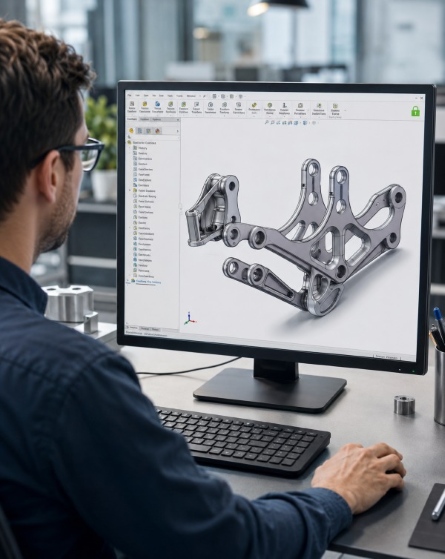
R&D team protecting core CAD design data and technical specifications

Protect core design data

Keep IP safe through personnel changes

Deploy file protection for your engineering team so product drawings, process parameters, and technical specifications stay under control as they move through the organization — even when people leave.

R&D Director IP Counsel InfoSec Team
Secure CAD file sharing with suppliers and Tier 1 partners with granular permissions

Share design files — safely

Efficient collaboration with clear boundaries

When working with Tier 1 suppliers and machining shops, granular permissions ensure partners get the files they need — while preventing secondary distribution. Every authorization scope is clear and auditable.

Supply Chain Director Procurement Manager Project Management
Automatic CAD file access revocation when contract ends with external manufacturers

Contract ends. File access ends. Automatically.

Clear digital boundaries with every partner

Send machining drawings to a contract manufacturer with an expiration date, export disabled, and permissions that auto-revoke when the contract ends. Protect your manufacturing know-how without slowing delivery.

OEM Manufacturers Export-focused Businesses Brands with ODM Needs
Check AnySecura FAQs

Quick Answers for CAD File Security

  • How do I securely share CAD files with external suppliers without losing control?
    Set permissions — view-only, no export, no print, expiry date — and send. Suppliers open the file directly, no installation required. The file stays under your control even after it leaves your system.

  • Does AnySecura support SolidWorks, AutoCAD, CATIA and other major CAD formats?
    Yes. We support all major CAD applications and universal exchange formats including STEP, IGES, and DXF — covering 90%+ of real-world CAD tool usage in manufacturing. For proprietary or custom formats, we offer a compatibility assessment, with support typically delivered within 2–4 weeks.
  • How do I prevent CAD file theft when an engineer leaves the company?
    The moment an account is deactivated, all decryption rights are revoked — including files copied to personal drives or email before their last day. No manual file collection or IT cleanup needed.
  • Does encrypting CAD files affect how they open in SolidWorks or AutoCAD?
    No. Encryption runs transparently in the background. Authorized engineers open, edit, and save files exactly as they normally would — no extra steps, no format changes, no interruption to existing workflows.

Keep CAD Under Control
From R&D to Delivery