




Common Insider Risks

Common Source Code Leak Risks

Most source code leaks don't start with hackers. They happen through everyday actions
like USB transfers, personal email, cloud uploads, screenshots, and employee offboarding.

"Just copying this to keep debugging at home."

An entire project folder, copied to a personal USB drive or external disk — a routine excuse for an unrecorded transfer.

A source archive, forwarded "as a backup."

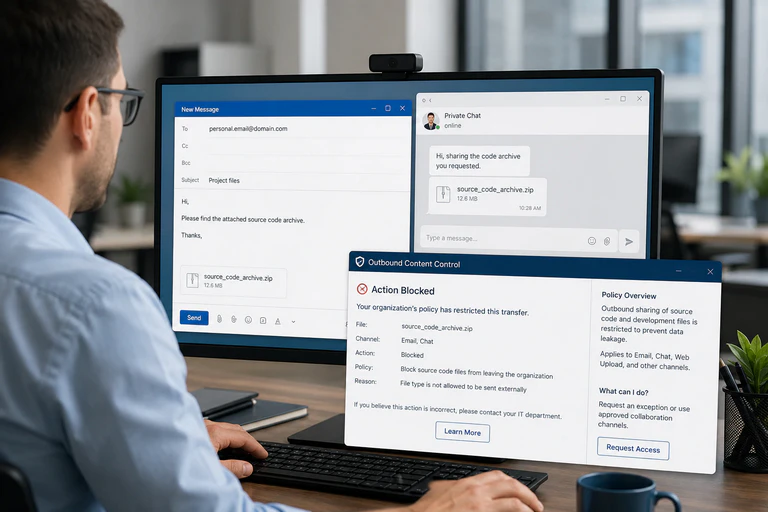
Code or config files move from a work inbox to a personal one, or through a chat tool's direct messages — both outside the email gateway's view.

A repo, zipped and uploaded to a personal cloud account.

Framed as a "personal backup" — but the company loses all visibility into where that code goes from there.

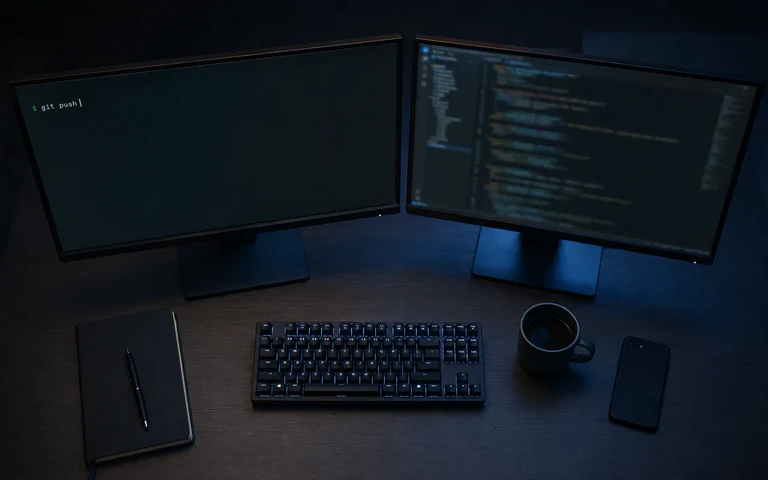
Company code, synced to a "portfolio" repo.

Pushed to a personal hosting account for cross-device convenience — and disproportionately common right around resignations.

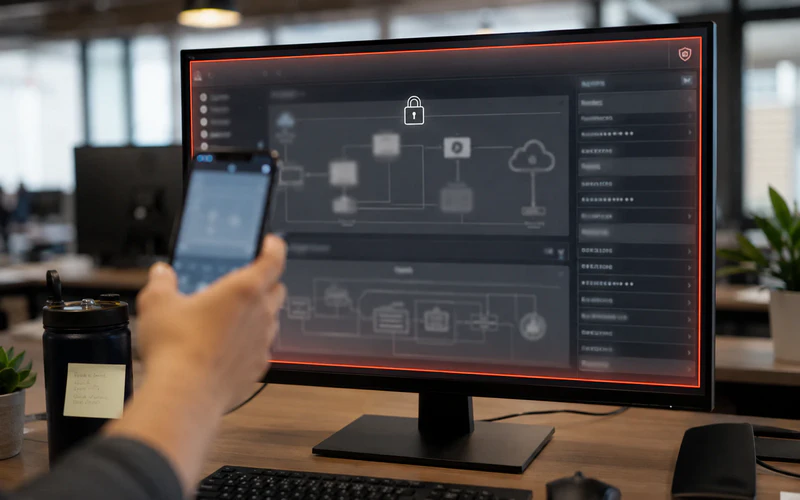
An architecture diagram, captured with a screenshot.

Credentials, connection strings, and system diagrams photographed off the screen — no file ever moves, so file monitoring never sees it.

A notice period, with access still wide open.

Permissions usually aren't revoked until the last day — and that's exactly the window where bulk downloads tend to spike.

Core Capabilities

How AnySecura Stops Source Code Leaks

Device Control

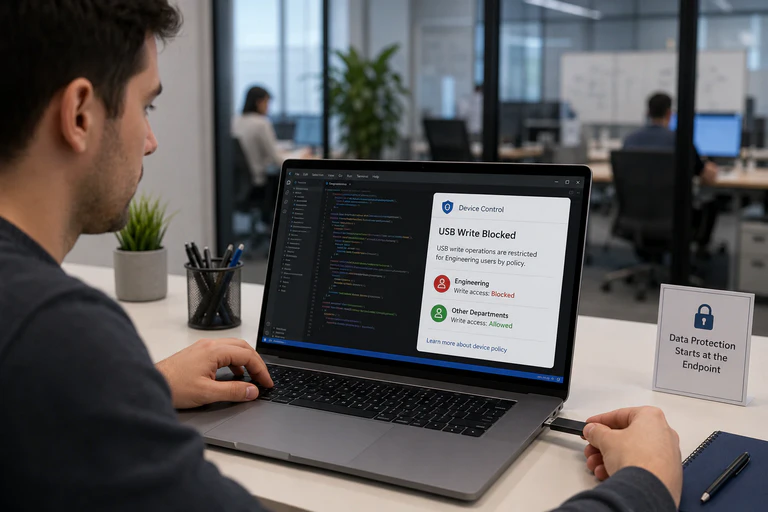
When a USB drive gets plugged into a developer’s machine

A developer copies a project folder to a personal USB drive so they can continue working at home. In many organizations, nothing prevents that transfer from happening. AnySecura allows USB policies to be defined by department or engineering team, blocking unauthorized write operations immediately while allowing approved business use where needed.
Device Control
Email & Chat Protection

When source code is about to leave through email or chat

A source code archive is sent to a personal mailbox as a “backup,” or shared through a private chat conversation. These channels are often overlooked during day-to-day operations. AnySecura applies outbound controls across email and messaging platforms, identifying risky file types and blocking unauthorized transfers before they leave the company.
Upload Control

When source code is copied for "just-in-case" access

To access projects from anywhere, developers may move source code to personal storage, private devices, or other external platforms. These copies exist outside corporate oversight and increase the risk of code exposure.AnySecura helps keep source code within authorized environments by restricting transfers through unauthorized destinations and channels.
Upload Control
Screen & Camera Protection

When sensitive information is captured from the screen

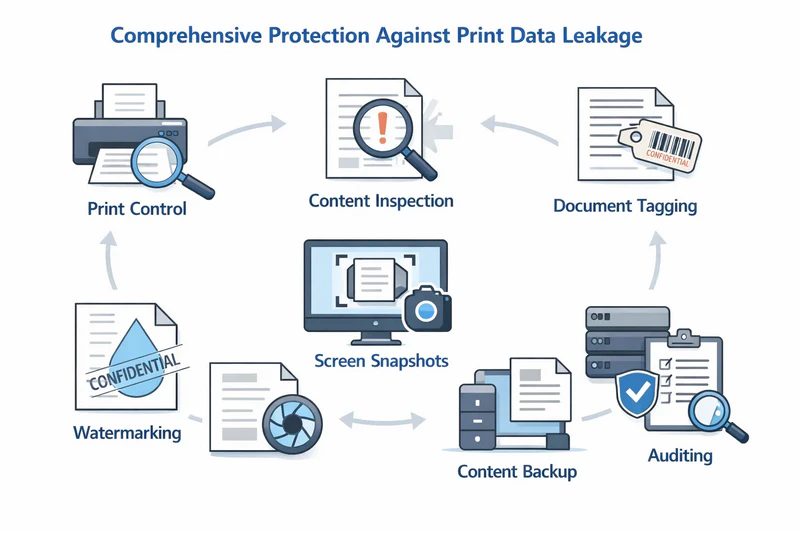
Sensitive information such as architecture diagrams, database credentials, and API keys can be captured through screenshots or phone photos without ever transferring a file.AnySecura applies dynamic screen watermarks, screenshot and print restrictions, and camera-detection screen lock protection to help prevent and deter this type of data leakage.
Transparent Encryption

When a file gets out anyway

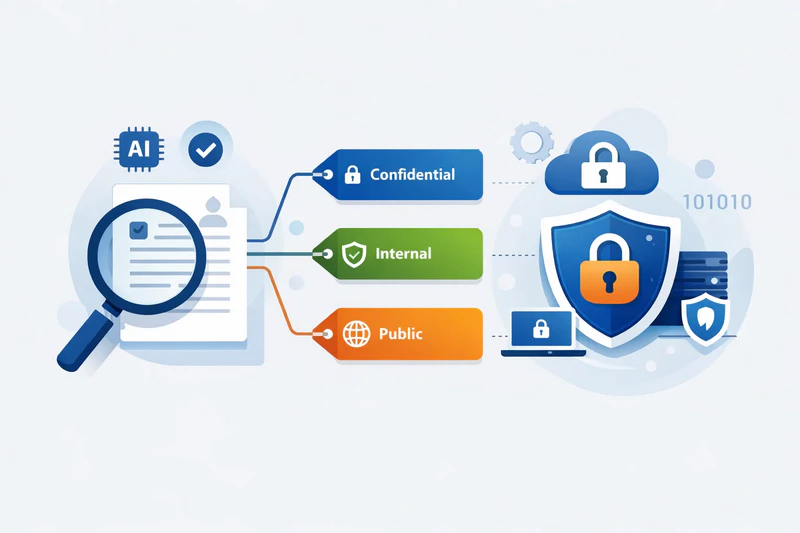
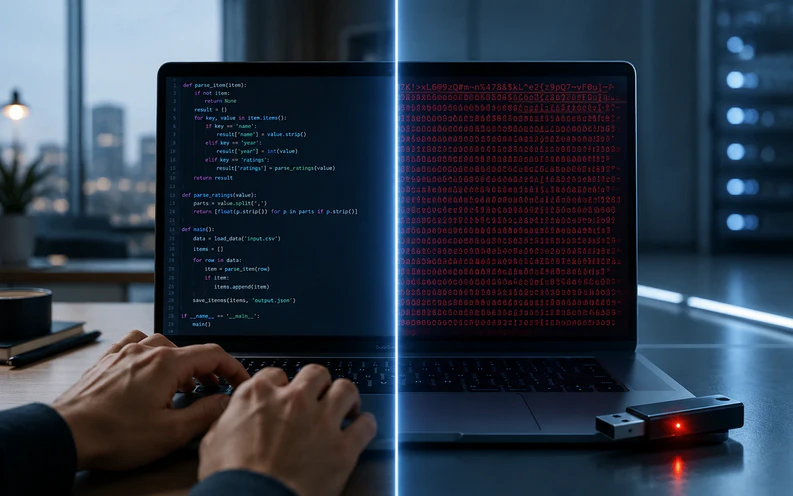
No channel control is perfect. A source code archive may still be copied or shared through an overlooked path. AnySecura applies transparent encryption to source code files and folders, allowing normal work on authorized devices while keeping the same files unreadable on unauthorized systems. Even if a file leaves, the code remains protected.
Transparent Encryption
Why This Is Different

One console. Not a stack of single-purpose tools.

Most point solutions cover a single channel — device control here, an email gateway there. Companies end up stacking three or more tools, and the gaps between them become the new risk.

One policy layer that controls all exfiltration channels.
Configured once from a single console.
Layered encryption fills any gaps.
What Changes

What Source Code Security Changes

01

Protection stops depending on good faith

An NDA and an honor system become an enforced, system-level rule that doesn't rely on individual intent.

02

Offboarding stops being a blind spot

Controls apply continuously through employment — not a scramble once someone hands in notice.

03

Security doesn't fight productivity

Department- and team-level rules mean locking down engineering doesn't slow down everyone else.

04

Disputes get easier to support

Policy logs showing what was blocked, and when, can help demonstrate reasonable security measures were in place.

Who's Looking For What

Built for the questions each role actually asks

CTOs & Engineering Leads

"How do we protect core architecture and source code when senior engineers leave?"

Prevent source code loss with encryption and team-level policies that keep engineering assets within the company.

Focus: encryption + team-level controls

HR & Legal

"Can we prove what happened during a contentious exit?"

Policy logs and audit trails that hold up in a dispute.

Focus: audit trails & compliance evidence

IT & Security Leads

"How many tools am I stitching together just to cover the gaps?"

One console covering multiple exfiltration paths — not a separate tool per channel.

Focus: unified policy console
Frequently Asked Questions

Source Code Protection FAQs

Source Code Protection
20+

Security
Modules

Reduce Insider
Risk
Prevent source code from leaving through common channels.
Protect During
Offboarding
Keep controls active when employee risk is highest.
Secure Without
Disruption
Apply targeted policies without slowing developers down.
  • How do I stop developers from copying source code to a USB drive?
    Device-control policies can be applied to engineering teams, blocking USB write access while leaving other departments unaffected. When triggered, the copy action is stopped immediately instead of simply being logged.
  • Can I prevent developers from pushing company code to personal code hosting platforms?
    Yes. AnySecura can block or restrict source code transfers to unauthorized external platforms, helping prevent code from leaving the organization through personal or unapproved channels.
  • What's the best way to protect source code during employee offboarding?
    Insider risk often peaks before an employee leaves. Keeping device, email, chat, and cloud controls active throughout employment, combined with encryption, helps prevent files from remaining usable outside authorized systems.
  • How can we reduce insider risk without slowing developers down?
    Policies can be applied by department, team, or application. Developers keep access to approved tools and workflows, while uploads to personal accounts and unsanctioned channels are restricted.

Don't wait until the code is already out the door.