How to Use the Securing Active Directory Audit Console in AnySecura | User Guide
Welcome to the guide for the AnySecura Audit Console, your central hub for tracking administrative activity within your Active Directory environment. This module meticulously records every action taken, providing a clear and searchable audit trail.
You'll learn how to launch the console and securely log in using the dedicated auditor account. By the end, you'll be ready to navigate the interface and leverage its powerful logging to enhance your security oversight.
The Securing Active Directory Audit Console primarily records logs of administrative actions on the console, making it easier to track and query what operations the administrator has performed.
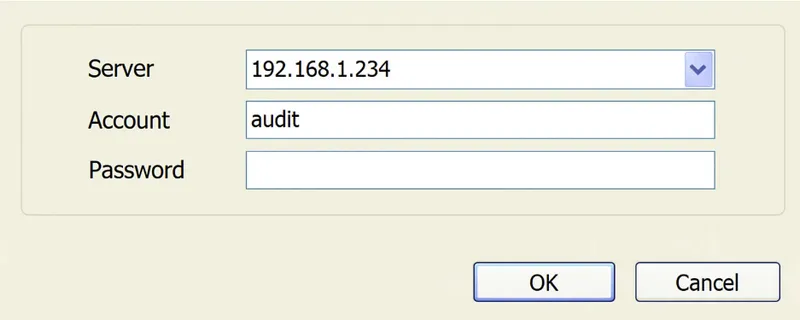
Click OConsole.exe in the installation directory or navigate to Start -> All Programs -> AnySecura -> AnySecura Console to launch the console module.
- Enter the server IP address or the server machine name.
- Use the system auditor account "audit". The initial password is empty.
- Then, log in to the Audit Console.