
How to Check Client Status in Backup Encryption Server | AnySecura Manual
Here, you'll learn how to use the Client Status tool within the AnySecura Backup Encryption Server to get a clear view of all your managed clients.
This feature lets you easily verify which clients are successfully communicating with your AnySecura backup server, providing essential details like their last connection time to help ensure your data protection strategy is fully operational.
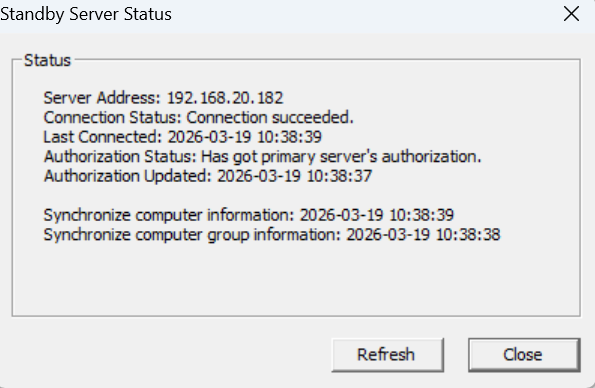
Once the backup server is connected to the primary server and has synchronized client and computer group information, right-click the backup server and go to Tools → Client Status to view all clients on the primary server, including their names and IP addresses.
For clients that have previously connected to the backup server, the Client Connection Status section shows the most recent time each client connected to the backup server.