
How to Use Document Encryption in Document Security Management - AnySecura Manual
This guide walks you through setting up document encryption within AnySecura's Document Security Management module. You'll learn how to install the client software and configure the console to authorize encryption, defining which software and secure areas can protect your sensitive files.
Once encryption is active, you'll see how to manage access through a clear request and approval workflow. The process also covers using the AnySecura External Release Viewer, allowing you to securely share protected documents with authorized external parties.
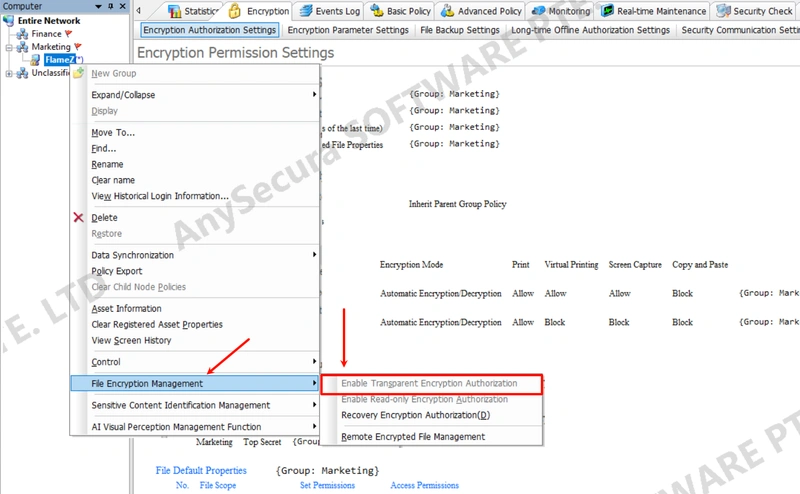
Enable Encryption
- Install the client
- Enable encryption authorization in the console
- Configure encryption permissions in the console, including licensed software, secure areas, and levels
Request & Approval
- Client submits decryption or external release request
- Console reviews and approves
- Client performs decryption or external release
External Release Viewer
- Install the External Release Viewer
- Authorize the Viewer in the console
- Import authorization into the Viewer
- Client generates external release documents