
Policy Logs for Security Event Review in AnySecura
Understanding user activity is key to maintaining a secure environment. This page introduces you to AnySecura's Policy Logs, which provide a clear record of every strategy-related event triggered across your client machines.
You'll learn how to access and review these logs, focusing on the critical details like alert level and policy type. We'll also show you how to effectively query this data, helping you quickly pinpoint the security events that matter most.
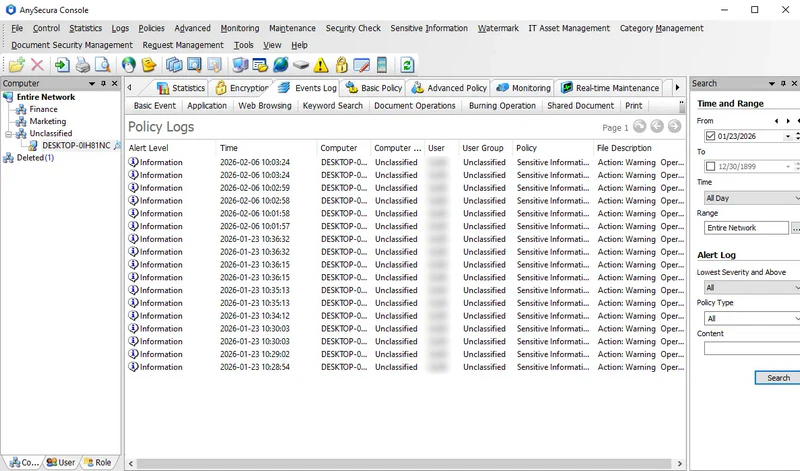
Policy logs record all strategy-related events triggered on client machines, enabling administrators to review user actions.
Select Logs → Policy Logs to view these logs, which include:
| Attribute | Description |
|---|---|
| Alert Level | Three levels: Low, Important, Critical. Administrators can assign an alert level when configuring the policy. |
| Policy | The policy type triggered by actions on the client machine. |
| Description | Details of the client machine's action and the triggered policy. |
Policy logs can be queried using the following criteria:
| Field | Description |
|---|---|
| Lowest Level | Defaults to all. Selecting "Low" retrieves Low, Important, and Critical logs; "Important" retrieves only Important and Critical logs. |
| Policy Type | Filter by a specific policy type. Only policies for which the administrator has both "Policy Log" permission and "View" permission are displayed. |
| Content | Query based on the description text; supports fuzzy search. |