
Overview
The Reporting System provides query and statistical analysis of various logs. It supports multiple combinations of conditions and presents results using charts, helping administrators comprehensively monitor computer activities, provide a solid basis for policy deployment, and track policy execution in real time.
How to Use Periodic Reports in Reporting System - AnySecura Manual
This guide introduces you to the powerful reporting tools within the AnySecura Reporting System, showing you how to gain continuous insights into your security posture. You'll learn to configure Periodic Reports, which automatically generate updates at your chosen intervals, providing a hands-off way to monitor key conditions.
Building on that automation, you'll also master creating on-demand Query reports for real-time analysis. The system simplifies this by offering predefined statistical and trend reports for both methods, helping you quickly see snapshot results and understand value changes over time.
Periodic Report
Generates reports automatically at specified intervals based on set conditions.
Query
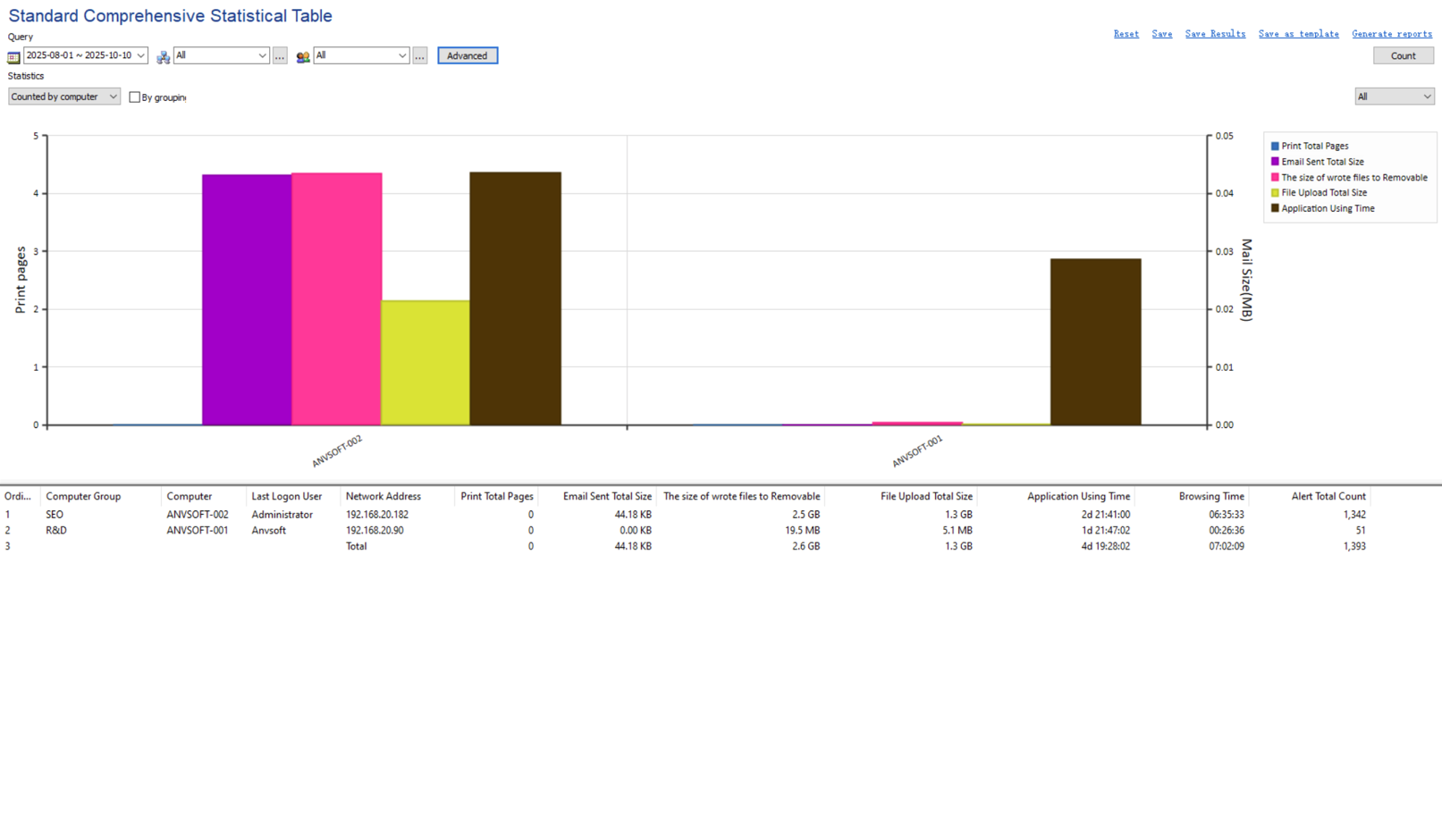
Select a report type, enter query criteria, and generate the report in real time.
Statistical and Trend Reports
Each module provides both statistical and trend reports. Statistical reports show results that meet the query criteria, while trend reports display the value trends over a selected time period.
For convenience, the system predefines statistical and trend reports for both periodic and query reports, organized by report type.