
How to Use Request Permissions in Request Management - AnySecura Manual
This guide introduces you to the Request Permissions features within the AnySecura Request Management module. You'll learn how to get a clear overview of all existing approval and self-recording permissions across your network, providing a solid foundation for understanding your current access landscape.
Building on that view, you'll then discover how to use the powerful search function to quickly filter permissions by specific criteria like request type or user. This will enable you to efficiently manage and audit access controls, ensuring your security policies are correctly applied.
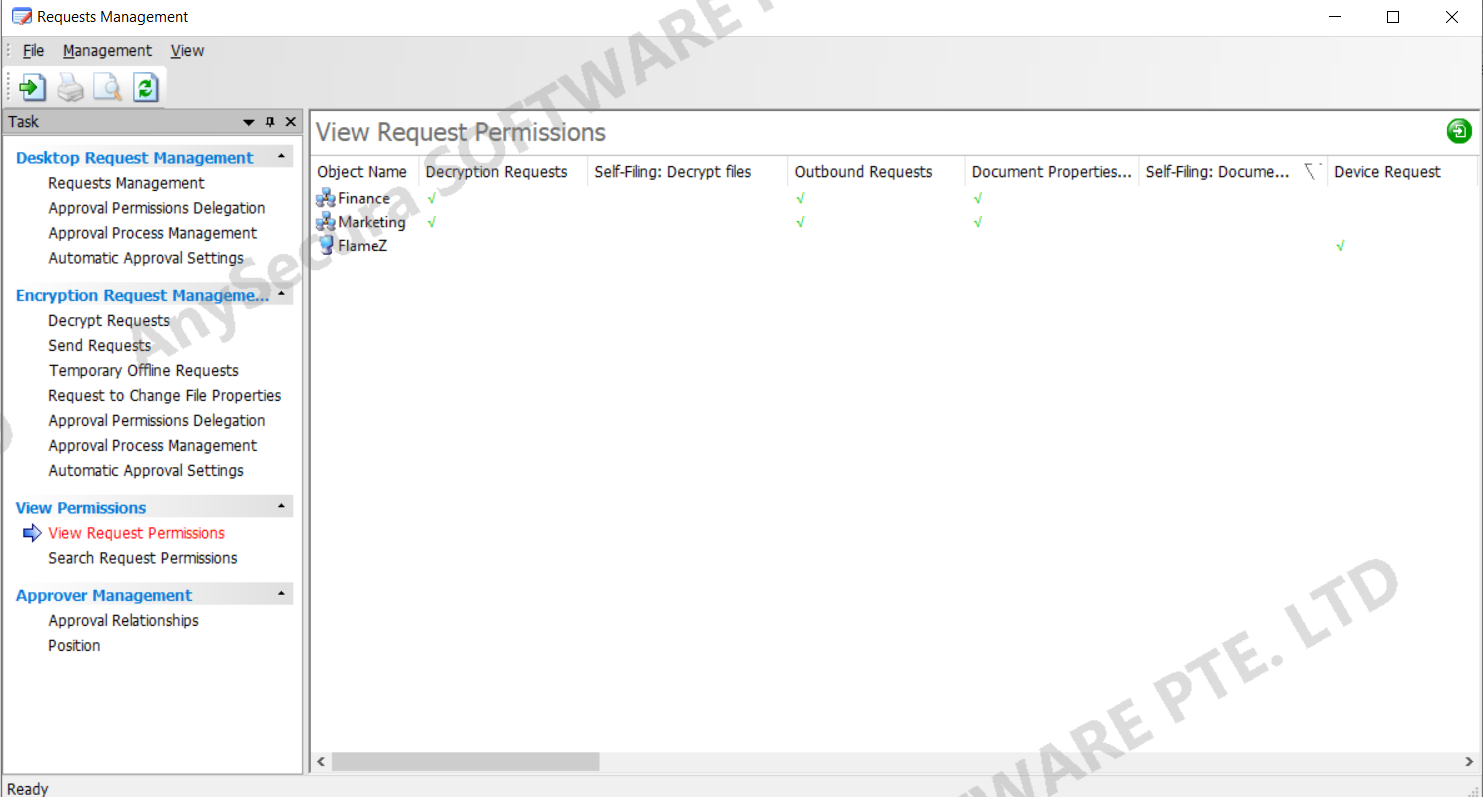
15.4.1 View Request Permissions
In "Request Management → View Request Permissions", you can see the approval and self-recording permissions for all computers/computer groups and users/user groups.
15.4.2 Search Request Permissions
In "Request Management → Search Request Permissions", you can set query criteria in the right-hand panel, including request type, status, object type, object scope, and object name. After clicking Search, the information list displays all matching approval and self-recording permissions.
In "Request Management → View Request Permissions", you can view the approval and self-recording permissions for all computers/computer groups and users/user groups.