
How to Use Self-Record Logs in Request Management - AnySecura Manual
This guide will show you how to access and review the detailed logs created whenever a client submits a request using AnySecura's self-recording feature.
By navigating to the Self-Record Logs section within Request Management, you can easily double-click any entry to see a complete audit trail, including the file details and the reason for the request, giving you full visibility into user activity.
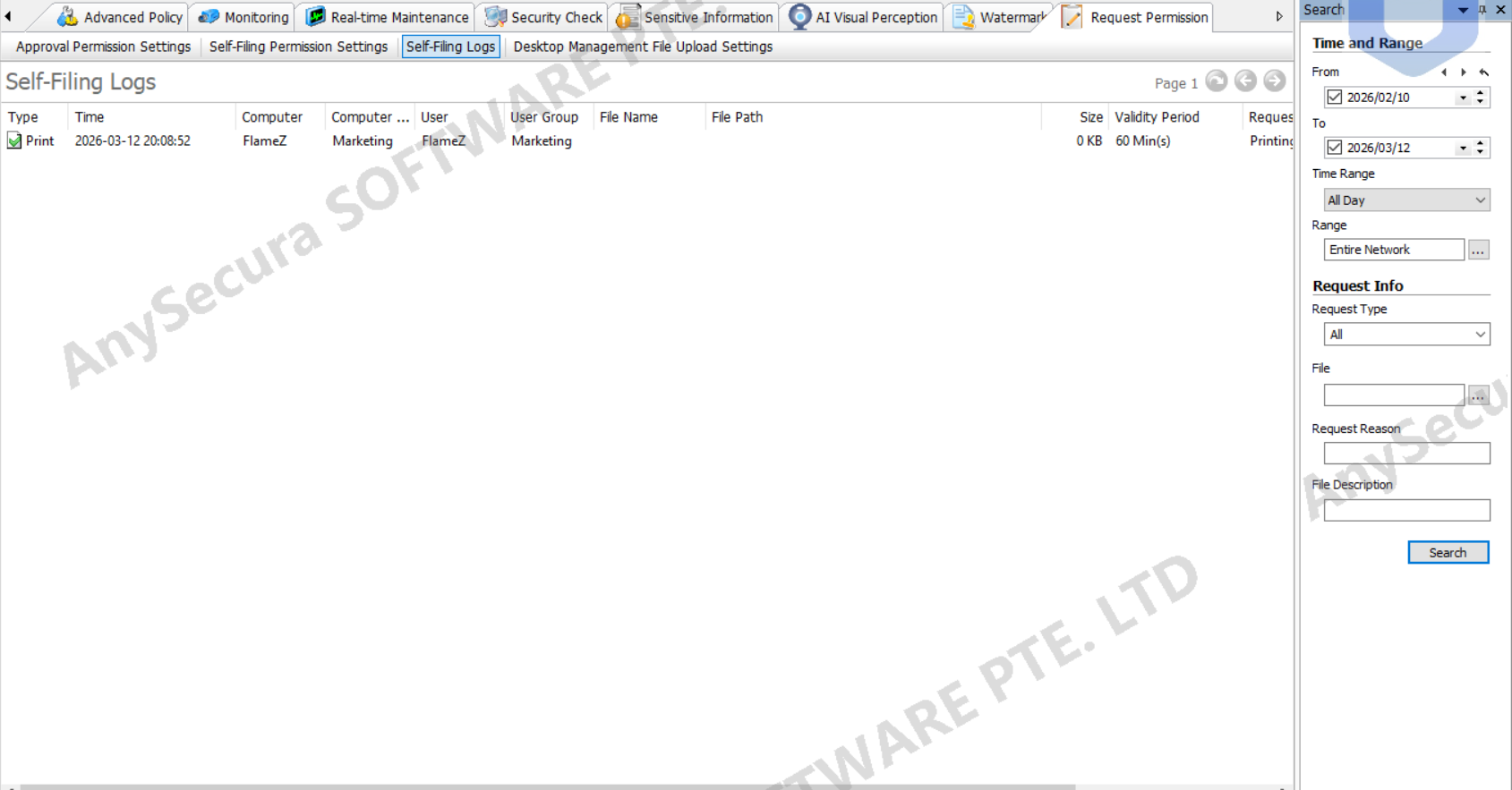
Requests submitted via client self-recording generate corresponding logs. Administrators can view these logs in “Request Management → Self-Record Logs”.Double-click a log entry to see detailed information, including: request type, time, file name, file path, valid period, request reason, and description.