
How to Request File Decryption in Windows Encrypted Client with AnySecura | User Guide
This guide shows you how to request access to your encrypted files when you need them. You'll learn the simple steps to submit a decryption request directly from your Windows Encrypted Client, ensuring your work can continue smoothly.
Whether you're connected to the network or working offline, the AnySecura system provides a clear path. You'll see how administrators are notified and how to complete the process once your request is approved, giving you full control over accessing your protected data.
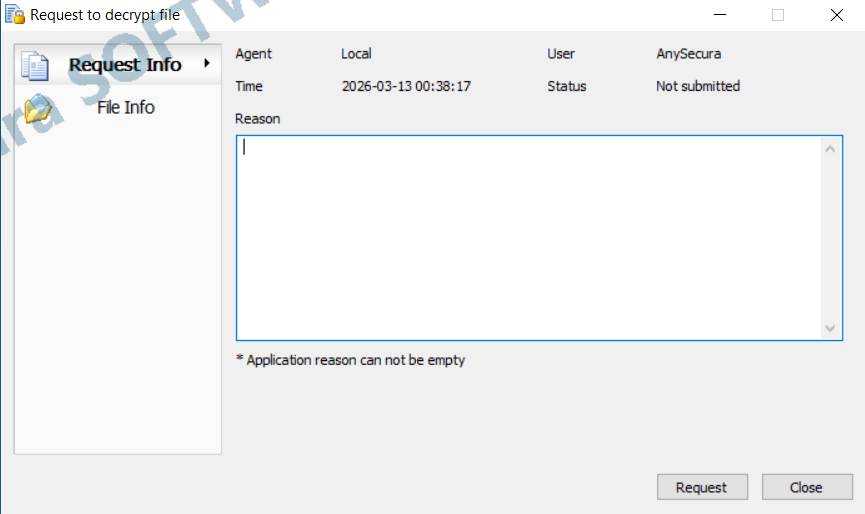
Clients without decryption permission can request decryption by right-clicking a file, using the scan tool, or dragging the encrypted file into the Decryption Request floating window. Enter a reason and submit the request.
Online Client: The console receives the request immediately for approval. Once approved, decryption can be performed in View Request Information.
Offline Client: After submitting the request, export the request file via View Request Information and send it to the administrator. The administrator imports the file in the console for approval. Once approved, receive the authorization file from the administrator, import it on the client, and then decrypt via View Request Information.