




The real problem

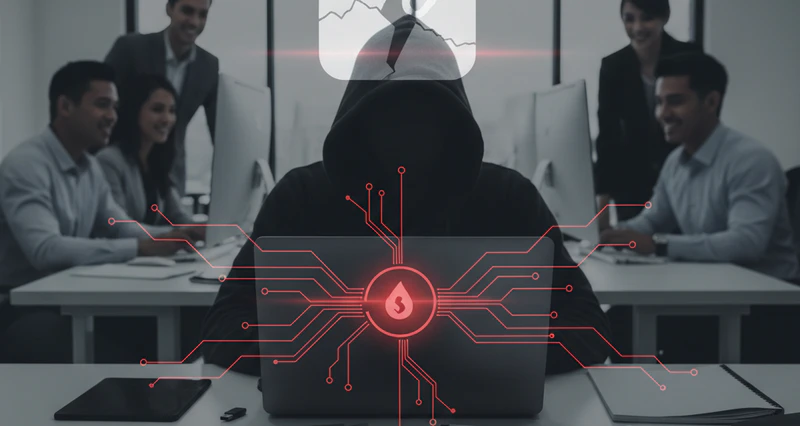
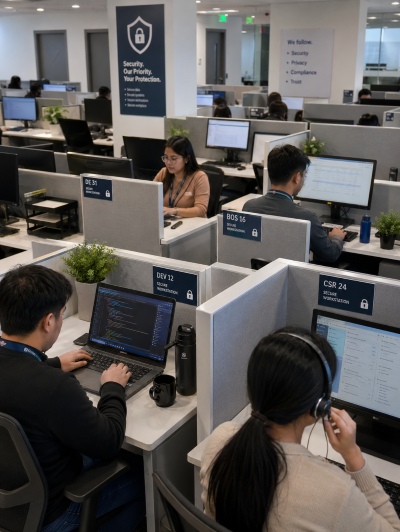
When Data Enters a BPO Center, Visibility Starts to Slip

Different outsourcing models carry different risk profiles.
Finance Outsourcing

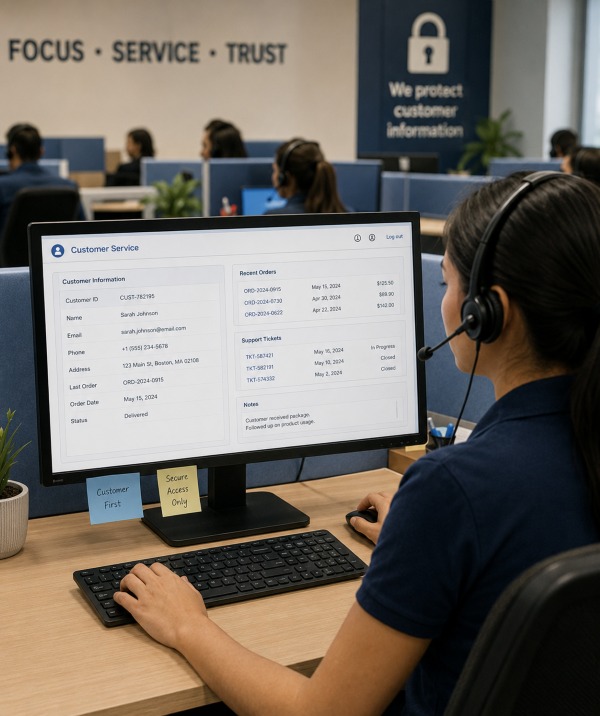
Every screen agents open contains names, IDs, card numbers, and transaction history. A phone hidden below desk level can capture dozens of records in seconds.

Dev Outsourcing

When a project ends, or a developer lines up their next job, proprietary logic, API keys, and architecture diagrams can move to a personal GitHub account or Telegram group.

E-commerce & Logistics BPO

Order management systems display customer names, phone numbers, and delivery addresses. A browser "Save As" or CSV export pulls records into a personal folder.

Multi-Agent Collusion

Three agents each pull a reasonable slice of the customer database and share it over a private channel. The combined dataset becomes a serious breach.

How AnySecura Solves It

Control at Every Stage of Your Data

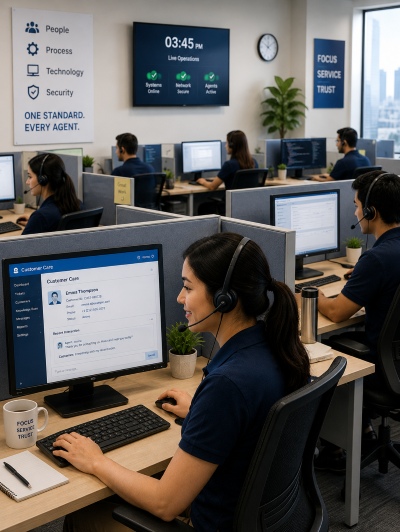
Data moves through five distinct moments on a BPO floor — access, viewing, transfer, departure, and audit. Each moment carries a distinct risk. AnySecura places targeted controls at each one without interrupting the agent's day-to-day workflow.
01 — Access

Agents only seeing what their role requires

A customer service agent for Client A has no reason to open Client B's records, but without device-level controls, nothing stops them from trying. AnySecura lets you set exactly which apps an agent can open, which systems they can connect to, and what they can do once they're in. If it's not on the list, it doesn't open.

  • Block any app from running on agent machines, only whitelisted tools are accessible
  • Restrict which internal systems and network addresses each agent can reach
  • Every agent's identity is tied to their device
BPO agent access control with role-based endpoint restrictions
02 — Viewing

Every screen session carries a traceable identity

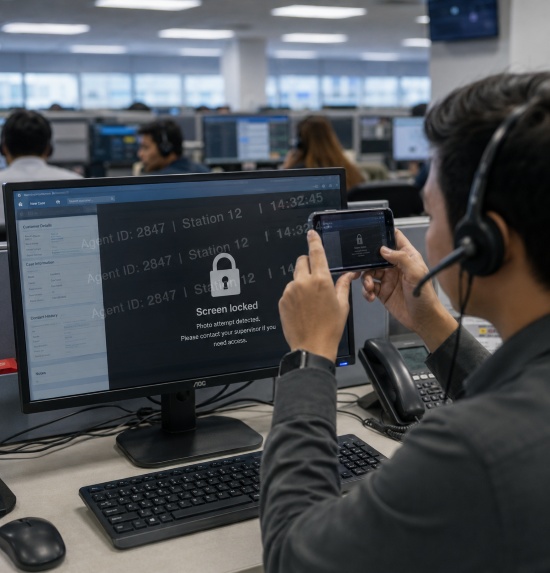
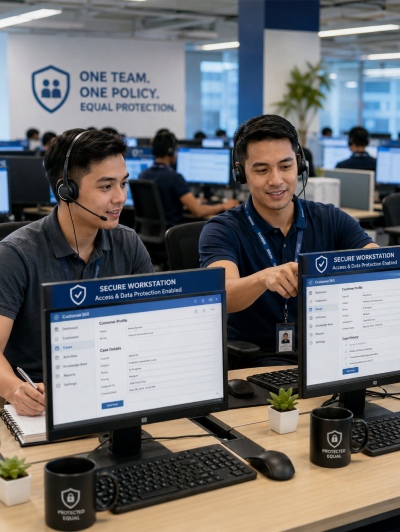
You can't stop someone from holding up their phone. But you can make sure any photo they take is immediately traceable. AnySecura overlays a dynamic watermark on every screen, showing the agent's ID, their workstation, and the exact time, so any image that leaks out carries its own return address. On top of that, the AI camera detection feature watches for phone-holding behavior in real time and locks the screen the moment it spots it.

  • Dynamic screen watermarks tied to agent identity and session time
  • AI camera detection spots a phone being raised toward the screen and locks the machine immediately
  • Screenshot and clipboard operations are logged and can be restricted per compliance tier
Dynamic screen watermarking and AI camera detection for phone photography prevention
03 — Transfer

The common ways data walks out are all covered

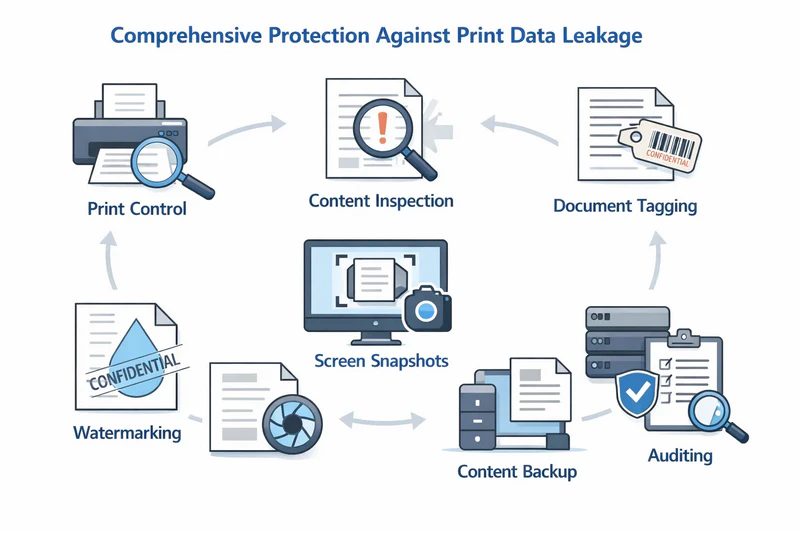
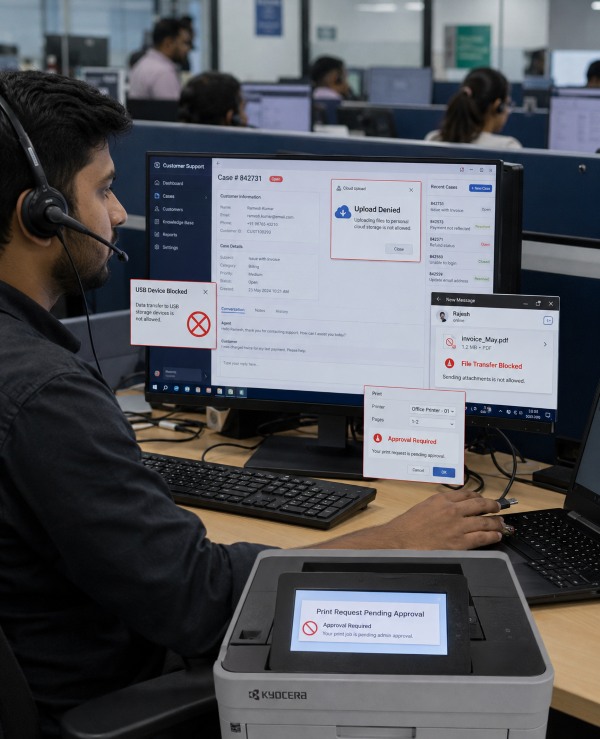
USB drives, WhatsApp file transfers, uploading to a personal Google Drive, printing and folding the paper into a bag — these are the actual routes data takes out of a BPO floor. AnySecura blocks or monitors each one. You can set different rules for different teams: tighter restrictions for agents handling financial data, lighter monitoring for lower-risk workflows.

  • USB device control: block, allow read-only, or permit specific corporate devices
  • File uploads over HTTP/HTTPS blocked, covers web-based cloud storage and form uploads
  • File transfers via IM (WhatsApp, Telegram) monitored and blockable by file type or size
  • Print jobs require approval and are logged with agent ID and page count
Multi-layer data transfer prevention covering USB, cloud, messaging and print
04 — Departure

Access closes when the project closes

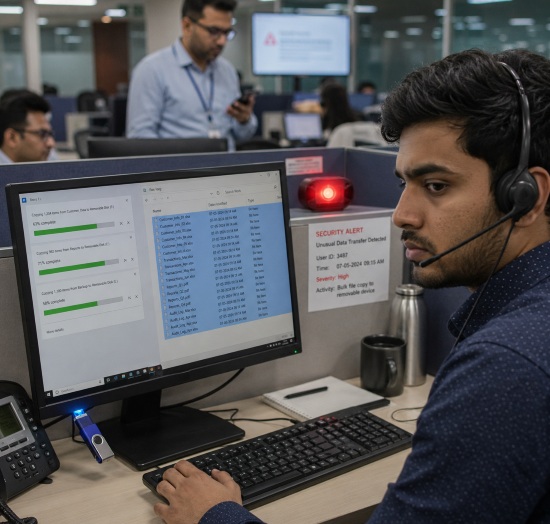
In BPO, agent turnover is high. "Last day" is when most internal data theft actually happens. AnySecura catches the warning signs in real time: an agent suddenly copying far more files than usual, plugging in a USB drive for the first time in months, or trying to delete folders before returning their laptop. When any of this happens, it gets flagged immediately.

  • Set thresholds by file count or size: if an agent copies more than usual in a day, the security team gets notified
  • Files deleted by a departing employee are automatically backed up first
  • Any new device plugged into an agent's machine triggers an instant alert to the admin
Real-time detection of unusual file activity and departure-time data theft attempts
05 — Audit

When a client calls, you need an answer scoped to their data

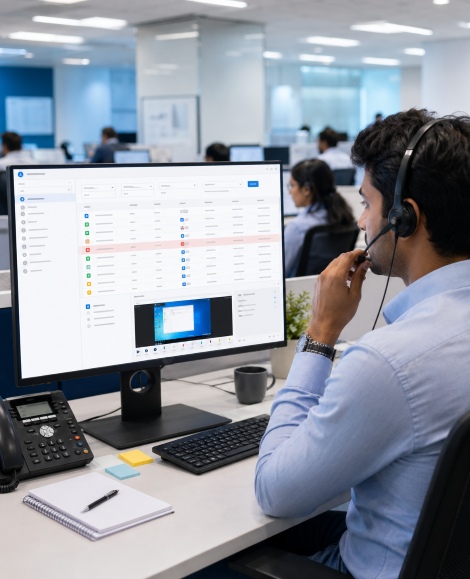
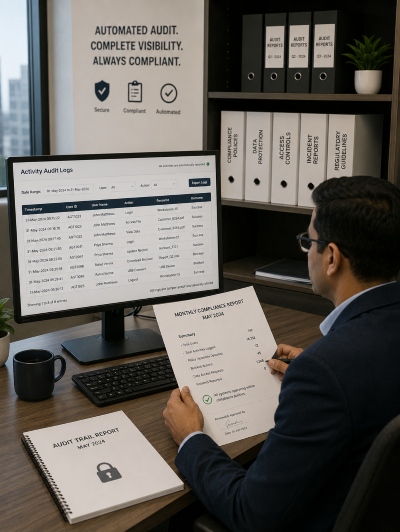
A BPO handles data for multiple clients at once. When something goes wrong, you need to know exactly what happened to whose files. Every open, copy, print, and deletion is recorded with the agent's name, machine, and time. If a client calls, you can pull up the full action history for their files, filter by agent or time window, and pull up a screen recording of the exact moment a flagged action occurred.

  • Full document history: who opened it, copied it, printed it, deleted it, and when
  • File trail tracking shows if a file was renamed, compressed, or moved before being taken out
  • Logs are stored on the management server: agents can't edit or delete their own records
  • Screen recordings are linked directly to log entries: see what was on screen at the exact moment of a flagged action
Full document history tracking for multi-client BPO compliance auditing
KEY CAPABILITIES

Eight modules that cover every way data can leave a BPO floor

Each module works independently or together. You can start with the highest-risk channels and expand from there,.
01
Document Control
Know exactly what happened to every file.
Every open, copy, move, print, and deletion is logged with the agent's name, device, and timestamp. Risky actions like bulk deletion trigger an automatic screen capture. Files deleted by departing agents are backed up before they disappear.
02
Removable Media Control
USB drives in, data stays out.
Block all USB storage by default, or whitelist specific company-issued devices. Any new device plugged into an agent machine triggers an instant alert, and a screen capture of what was on screen at the time.
03
Print Control
Every page that leaves the printer is accounted for.
All print jobs are logged with the agent name, page count, and time. Watermarks are added automatically, showing who printed it and when, so a printed sheet is just as traceable as a digital file.
04
Application Control
Only approved tools can run on agent machines.
Define a whitelist of applications each team is allowed to use. Anything outside the list, personal cloud sync tools, screen recorders, file transfer utilities, is blocked before it opens. Screen watermarks are applied across all running applications automatically.
05
Instant Message Control
File attachments in chat apps don't slip through.
Outbound file transfers via WhatsApp, Telegram, WeChat Work, and other IM tools are logged and can be blocked by file type or size. If an agent tries to send a customer list through a chat app, it gets caught.
06
Web Access Control
Block uploads to personal cloud storage.
HTTP and HTTPS file uploads are monitored and can be blocked, covering Google Drive, Dropbox, OneDrive, and any other web-based upload destination. Agents can apply for a one-time exception when a legitimate transfer is needed.
07
Screen Monitoring
See exactly what was on screen when it mattered.
Screen history is recorded continuously and linked directly to log entries, so when a flagged action appears in the audit trail, you can pull up a recording of exactly what was happening on that machine at that moment.
08
AI Visual Perception
Catch phone-based screen photography in real time.
The built-in AI model uses the device camera to detect when an agent raises their phone toward the screen. When it spots the behavior, the machine locks immediately, an alert is sent, and the moment is logged. Camera obstruction attempts are caught the same way.
FAQ

Common Questions About BPO Data Security

  • 1. Is a firewall enough to prevent data leaks in a BPO?
    No. Blocking external websites doesn't stop an agent from photographing their screen, writing down records, or plugging in a USB drive. The risk is authorized people with legitimate access, not outside traffic. Endpoint controls sit at the device level and address this directly, without affecting normal agent workflows.

  • 2. Can software stop agents from photographing their screen with a phone?
    Yes. AnySecura's AI camera detection uses the device's camera to spot a phone being raised toward the screen, and locks the machine immediately before a photo can be taken. On top of that, a dynamic watermark on every screen embeds the agent's ID, workstation, and timestamp, so any image that does leak out is traceable to a specific person and session.
  • 3. Do these controls apply to remote agents on personal devices?
    Yes, AnySecura deploys on both corporate-issued and personal (BYOD) endpoints. Policies apply to the work profile or virtual desktop regardless of network or location, so a remote agent is subject to the same controls as someone on the office floor.
  • 4. We operate across multiple countries. Can one deployment cover all teams?
    Yes, one console manages policies across all locations. You can set global defaults and override them at the regional, team, or agent level to match different client requirements, such as GDPR for European clients or PCI DSS for financial services accounts.
Get In Touch

Concerned about data security in your BPO environment?

Tell us about your setup, on-site agent floors, remote teams, or multi-client operations. We'll walk you through how AnySecura covers the common data leak vectors in outsourcing.
Contact Us Start Free Trial
  • Deployed from a single agent, no infrastructure changes required
  • Works alongside existing CRM, ticketing, and workforce tools
  • Most environments are fully configured within a few weeks
Keep your BPO data secure within defined boundaries

Keep data moving within the boundaries you set.