
Did you know that some data breaches can happen silently, yet cause massive damage? Meanwhile, another type of problem that sounds similar actually requires completely different protection measures. Understanding the difference between Data Breach and Data Leak is the first step in learning how to prevent both from happening in your company. In this article, we’ll break down what these two cybersecurity terms really means and provide practical tips to help you prevent them.
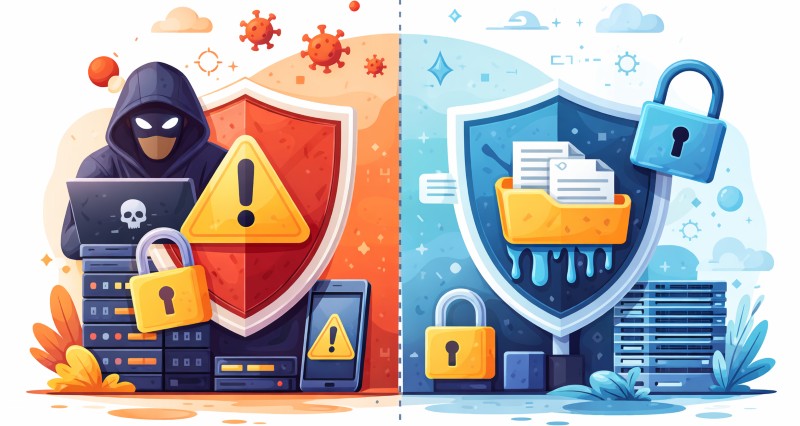
Data Breach vs Data Leak: What's the Difference?
Quick Comparison Table
Below is a quick overview table to help you quickly understand the differences between data breaches and data leaks. We will then explain each difference in detail.
| Category | Data Breach | Data Leak |
|---|---|---|
| Definition | Unauthorized access or theft of sensitive data by an attacker | Unintentional exposure or disclosure of data due to errors |
| Malicious Intent | Yes, carried out by criminals or malicious insiders | No, usually accidental or negligent (no attacker involved) |
| Common Cause | Cyberattacks like phishing, malware or exploits; intentional insider theft | Misconfigured systems (e.g. open cloud storage), lost devices, or mistaken data sharing |
| Risk Type | Security incident from external threat (attack on network or systems). | Data governance risk from internal oversights or system misconfigurations. |
| Example | A hacker sends a phishing email, steals login credentials, and copies customer records. | An employee mistakenly emails a report to the wrong distribution list, or an open cloud folder exposes client files. |

Compare 8 Symantec DLP alternatives by deployment, key strengths, and best fit to find the right replacement for your organization. Learn more>>
What is Data Breach?
A data breach is when data gets into the wrong hands. More specifically, it means sensitive, confidential, or protected information is accessed, stolen, or exposed by someone who is not authorized to see it.
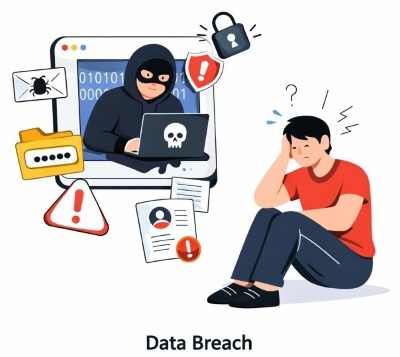
This data can be customer information, employee details, passwords, money-related data, or internal company documents. Breaches often happen through systems like databases, email, cloud storage, laptops, or company networks.
Most data breaches happen because of cyberattacks, like hacking or phishing or malware or ransomware. In some cases, insiders misuse their access, either intentionally or by mistake.
What is Data Leak?
A data leak is when sensitive or confidential information is exposed unintentionally.
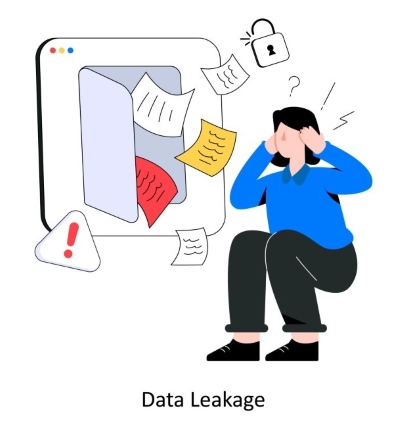
Unlike a data breach, a data leak does not always involve hackers or attackers. It often occurs when employees send information to the wrong person, upload files to a public location, misconfigure cloud storage, use unsecured USB drives, or share documents without proper access controls.
Key Differences Between Data Breaches and Data Leaks
Intent
Data breaches usually involve malicious actions. Sometimes attackers break into a company's systems by exploiting security gaps, phishing emails, or malware to steal sensitive information. In other cases, insiders may intentionally share important data with competitors or outside parties.
Data leak is usually used to describe situations where sensitive company information is shared by accident. For example, an employee might send an email to the wrong address with a report attached that contains customer names and details, or accidentally open a confidential file while sharing their screen during a video meeting.
Visibility
Data breaches are usually very noticeable. Whether it's malware being installed or someone falling for a phishing email, when data is actually stolen, it often leads to significant financial loss. Sometimes, if your systems have proper security measures in place, you may even get an immediate alert.
Data leaks, on the other hand, are much quieter. Sometimes no one even notices the data has been exposed. If the leaked data isn't further shared or used, it may not cause much immediate harm.
Preventability
Since leaks are often caused by oversight or mismanagement, they are generally easier to prevent with well-defined processes, proper staff training, and regular audits.
Breaches, however, require more advanced measures, including strong technical defenses, monitoring systems, and threat detection, because malicious actors are actively trying to circumvent security.
How to Prevent Data Breaches and Data Leaks?
Breaches / leaks cost companies millions and erode trust. Preventing data breaches and data leak avoids huge cleanup costs, loss of customers, and legal trouble. Managers can protect data by combining people-focused and technology-focused measures. Core safeguards include:
Train Employees on Security
Staff should understand common tricks like phishing emails or fake login pages, and know how to handle sensitive data safely. Regular awareness training makes employees a stronger first line of defense. Studies note that poor security training leaves people "vulnerable to social engineering attacks". Well-trained staff are more likely to recognize a scam email or suspicious website before data leaks out.
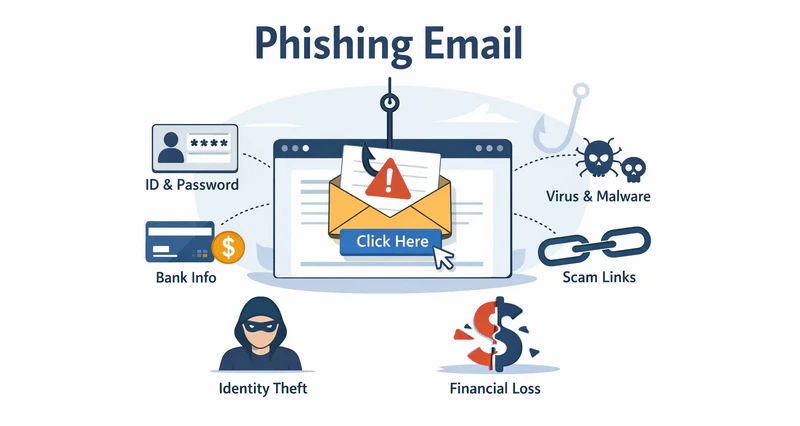
Learn how to spot a phishing email and protect your organization from email-based cyberattacks with practical tips and endpoint security strategies.Learn more>>
Limit Access by Role
Assign data access based on job function so employees see only what they need. This "least privilege" approach helps prevent unauthorized access and data leaks. For example, the finance team would have access to accounting files but not to unrelated HR databases.
Experts explain that role-based access control "reduces unauthorized access and data intrusion risks significantly" by restricting sensitive data to only the people who require it. Clear access rules (and regular reviews of those rules) make it harder for an intruder or careless employee to reach data they shouldn't have.
Use Data Loss Prevention (DLP) Tools
DLP software like AnySecura can automatically monitors data in use, in motion, and at rest to catch risky behavior. These tools can detect sensitive files (like personal records or financial lists) and block them from leaving the company network without permission.
In plain terms, DLP is like a watchful guard that scans outgoing email or file uploads for confidential data and stops leaks. It can encrypt files, alert an administrator, or simply block an insecure transfer. With DLP in place, even if someone tries to email or share a protected file, the system catches it.
⭐ AnySecura: Integrated Security Platform for Your Data
AnySecura provides an integrated cybersecurity platform that can help your organizations proactively protect sensitive data and prevent both data leak and data breaches. Its suite of solutions combines data loss prevention (DLP), endpoint management, and network security into one platform.
1. Protect Sensitive Data Automatically
AnySecura's DLP solution gives you a unified way to discover and stop sensitive data leaks. It continuously monitors files, emails, cloud shares and devices to enforce protection policies automatically.
- Sensitive Data Detection: Automatically find and classify personal, financial or intellectual-property data in documents, emails, images and other files.
- Real-time Monitoring / Alerts: Continuously audit user activity and file transfers on endpoints, using intelligent analytics to spot suspicious access or abnormal behavior immediately.
- Centralized policy management: Define security policies once and apply them everywhere.
- Limit Access by Role: Control data visibility based on job responsibilities, ensuring employees can only access the information necessary for their role.
- Content- and Role-Based Encryption: Automatically encrypt files based on their sensitivity level and the user's role. Even if the file is copied or shared, only authorized users can open it—without disrupting the user's normal workflow.
2. Full Device Control and Security
AnySecura's Endpoint Management solution gives IT teams centralized control over all employee devices (laptops, desktops, servers, even mobile and IoT). From a single dashboard, administrators can secure devices, enforce policies, and simplify IT operations.
- Device control: Secure all computers and servers by monitoring and restricting hardware use. Administrators can block unapproved USBs, network adapters or peripherals to prevent unauthorized file transfers.
- Print control: Log and control all printing activity. Sensitive documents can be watermarked or require manager approval before printing, and access can be restricted to approved printers to avoid data spills.
- Removable media control: Manage USB drives and external storage devices with encryption and approval workflows. Only registered media can connect, and any data written to them is automatically protected.
- Application control: Whitelist approved software and block or sandbox unknown programs. This stops malware or untrusted applications from running.
- Document control: Track and govern document operations on endpoints (create, copy, edit, move, delete or print).
- Network control: Monitor and restrict network use on each device. Block specific IPs, ports or applications, limit bandwidth for non-business apps, and prevent unusual data uploads.

Learn what compliance monitoring is, how it works, and how businesses use tools to meet regulations and reduce risk.Learn more>>
Protect Devices and Encrypt Data
Every laptop, tablet, or phone used for work is an "endpoint" that needs guarding. Endpoint protection (like antivirus software and automated updates) helps detect and block malware or intruders on devices. Equally important is encryption, scrambling data so it's unreadable without the key. Even if a device is lost or stolen, encryption keeps the data safe.
For example, modern endpoint security solutions include encryption as a standard feature to "prevent data loss". In practice, that means company laptops automatically encrypt their hard drives, and any files synced to mobile devices are also encrypted. This way, physical theft or loss of a device won't lead to a breach.
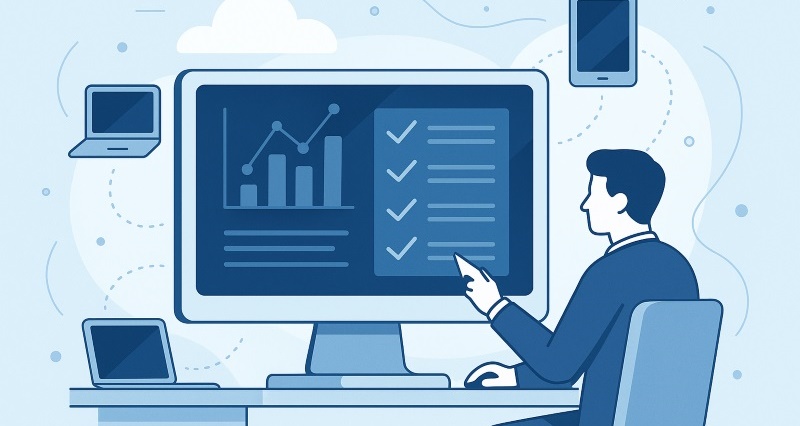
Compare top endpoint management software in 2026, including Intune, Workspace ONE, ManageEngine, Ivanti, and AnySecura, for secure device management and DLP.Learn more>>
Control Cloud Services and File Sharing
As more companies use cloud storage and collaboration tools, it's important to manage what goes up there. Set policies on which cloud apps employees can use, and require that corporate data stays in approved systems. Use cloud-monitoring tools or Cloud Access Security Brokers (CASBs) to scan data in cloud drives for sensitive information. In practice, this might mean blocking unapproved file-sharing sites or only allowing upload of encrypted files.
Some security platforms advertise that they can "protect data across SaaS applications, web, email, endpoints, and network channels with a unified approach". By enforcing policies on cloud usage, you prevent accidental leaks via misconfigured shares or public cloud folders.
Have An Incident Response Plan
Even with precautions, breaches can still happen. What matters is having a clear plan to act fast when something goes wrong. A good incident response plan defines who does what when a breach is detected, from identifying the problem, to containing it, to notifying affected parties.
Research shows that organizations with an incident response team and plan pay less for breaches: one study found having a plan cut the cost per leaked record by about $16. In other words, being prepared not only speeds recovery but also limits damage. Drill the plan regularly (via tabletop exercises or simulations) so everyone knows their role. That way, if a breach does occur, you can contain it quickly and maintain stakeholder confidence.
FAQs about Data Breach vs Data Leak
Are Data Breaches and Data Leaks the Same?
No. A data breach involves attackers deliberately stealing data, whereas a data leak results from accidental exposure. Breaches are intentional hacks; leaks come from oversight.
Which is Worse: a Data Breach or a Data Leak?
Both are serious, but breaches are usually more immediately damaging due to criminal intent. Leaks may go unnoticed, but they still pose risk if discovered later.
How Can I Tell if I've Experienced a Data Breach or Data Leak?
Monitor systems for unusual activity, like logins at odd hours or unknown devices. Use audits or scanners to detect accidental exposures. Proactive monitoring is key.
Conclusion
Regardless of whether the incident is a data breach or a data leak, both pose significant risks to a company’s financial stability and reputation. Being able to distinguish between them and implement effective prevention measures is critical for long-term security.
By following the practices in this blog and reinforcing them with DLP software, companies can take more control over how sensitive data is used and shared. If you’d like to see this approach in action, AnySecura offers a practical way to get started.


