
How to Use Email Categories in Category Management - AnySecura Manual
This guide will help you organize email accounts into a structured library using the Email Categories feature within AnySecura's Category Management module. You'll learn how to build a custom system of categories and subcategories that reflect your organization's specific needs.
Once your structure is in place, you'll see how to populate it by adding individual email identifiers or importing them in bulk, using wildcards for efficiency. We'll also cover how to quickly search your library and manage your entire configuration by exporting or importing it.
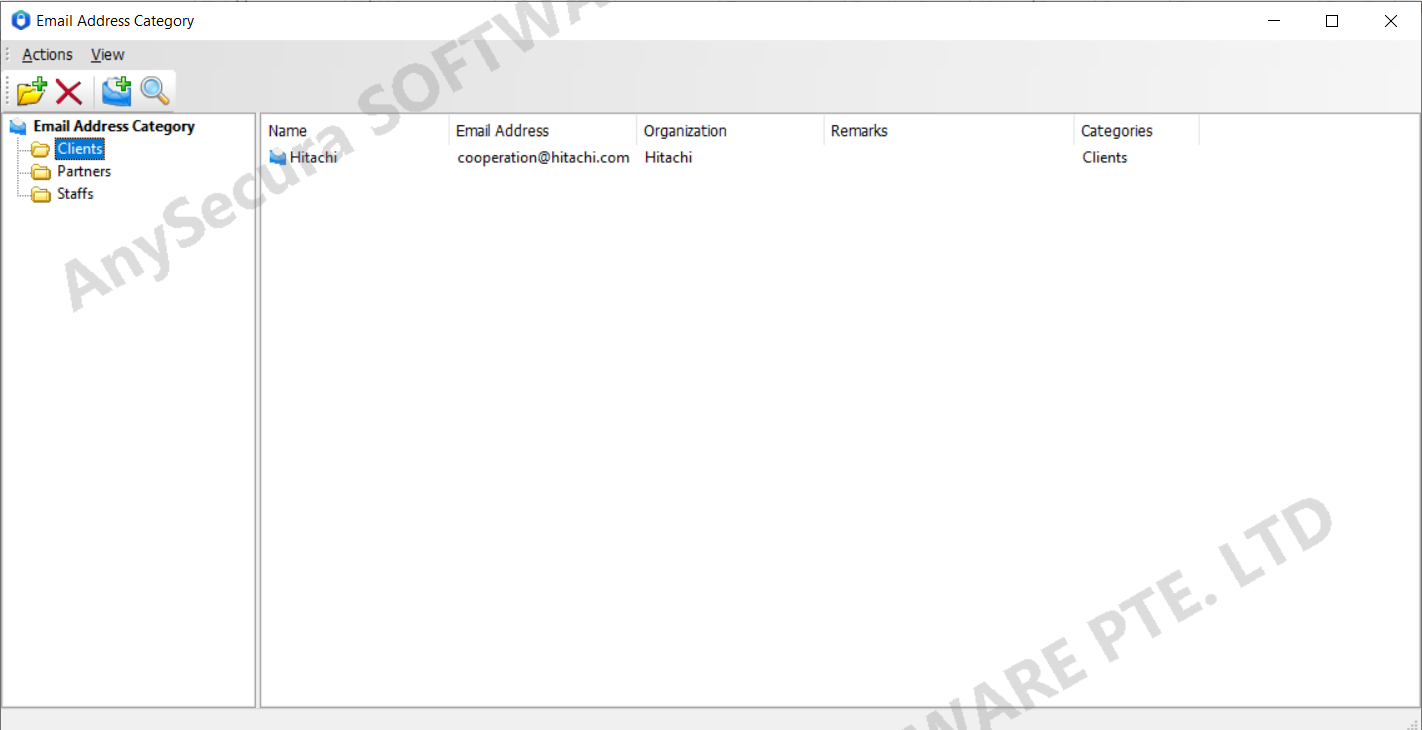
Administrators can categorize email accounts based on business needs, making it easier to manage and control them by category.
Select "Category Management -> Email Categories" to open the email category window. The system has no default categories, so administrators must manually create the email category library and define email identifiers. Wildcards are supported in email identifiers.
| Operation | Description |
|---|---|
| Create Category | In the left-hand email category view, select "Action -> New -> Email Address Category" to create and name a new email category. You can also create a subcategory under an existing category. |
| Create Email Identifier | After creating a category, right-click in the right-hand view, choose "New -> Email Address", and enter the name, email address, organization, and notes. The email field is required and supports wildcards. You can enter a full email address (e.g., "[email protected]") or use a wildcard for a range of addresses (e.g., "*@gmail.com"). |
| Import Email Identifiers | Select a category, right-click in the right-hand view, and choose "Import Email Identifiers" to add multiple email identifiers at once. |
| Search | Select "Action -> Search" or click the Search button  on the toolbar to locate which category an email belongs to or check if it exists. Fuzzy search is supported. on the toolbar to locate which category an email belongs to or check if it exists. Fuzzy search is supported. |
| Export Email Categories | In the left-hand email category view, select "Action -> Export Email Address Categories" or choose the same option from the right-click menu. This exports the entire email category structure, including all levels and email identifiers. |
| Import Email Categories | In the left-hand email category view, select "Action -> Import Email Address Categories" or choose the same option from the right-click menu. This imports previously exported email categories under the "Email Categories" node. |