
How to Manage Software Applications in Software Center with AnySecura | User Guide
This guide will show you how to manage your software submissions within the AnySecura Software Center. You'll learn to track your applications, from pending approvals to final decisions, all from your personal dashboard.
We'll walk through the actions you can take, such as editing an approved entry or withdrawing a pending request. This puts you in control of your software portfolio, ensuring your listings are always accurate and up to date.
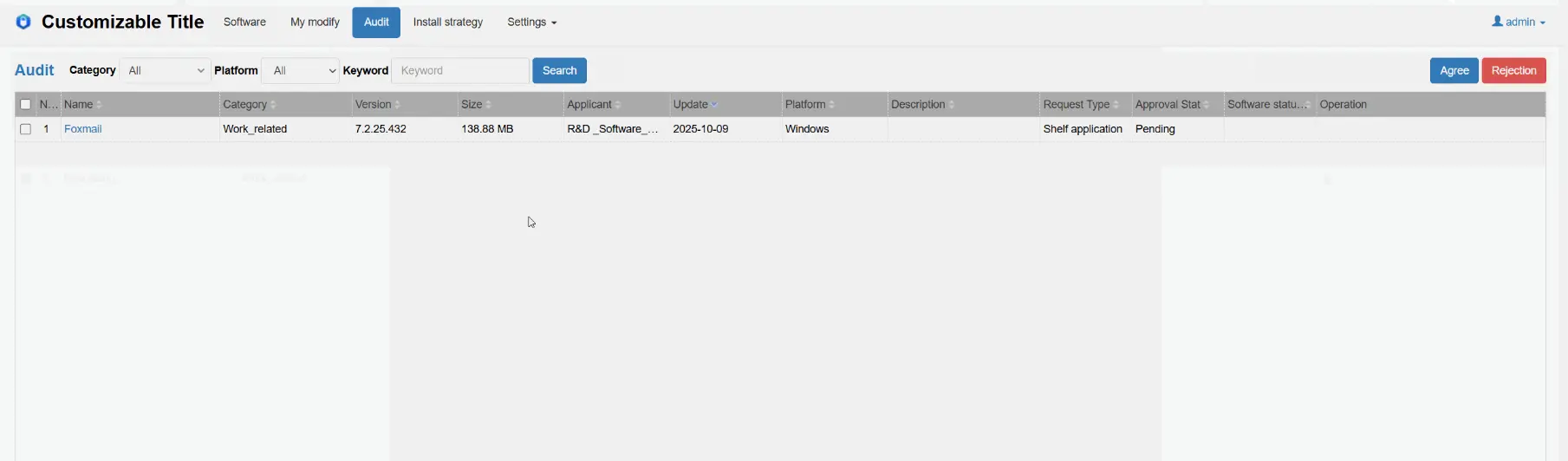
Administrators can view the software listing applications they have submitted for review. They can perform actions such as viewing, editing, and withdrawing their applications.
Applications that have not been reviewed will have a status of Pending Approval. Applications that have been reviewed and rejected will have a status of Rejected. Applications that have been reviewed and approved will have a status of Approved. The My Applications page will display all applications with the status Pending Approval and Rejected, and will only keep Approved applications that have been approved within the last 30 days.
Submit Application
After an administrator submits a software listing application, a new record with the application type Listing Application will appear on the My Applications page.
When an administrator submits a software modification application, a new record with the application type Modification Application will appear.
When an administrator submits a software modification and listing application, a new record with the application type Modification and Listing Application will appear.
Edit Application
When an administrator selects an Approved or Rejected application record on the My Applications page, clicks View, and then clicks Edit, they can modify the software information and resubmit the application.
Withdraw Application
When an administrator selects a Pending Approval application on the My Applications page, clicks View, and then clicks the Withdraw button at the bottom of the page, the application record will be deleted. After withdrawing the application, approval administrators will no longer see the application record in the Software Review page. The software content will automatically be saved as a draft and can be viewed in the My Edits page.