
How to Use Offline Authorization Login in Windows Encrypted Client - AnySecura Manual
This guide shows you how to maintain your data protection even without a network connection. You'll learn to use the Offline Authorization Login feature within the AnySecura Windows Encrypted Client, ensuring your encrypted files remain accessible when you're offline.
By following a simple process through the system tray, you can securely authorize the client to decrypt your files. This keeps your workflow uninterrupted while upholding the strong security standards of AnySecura.
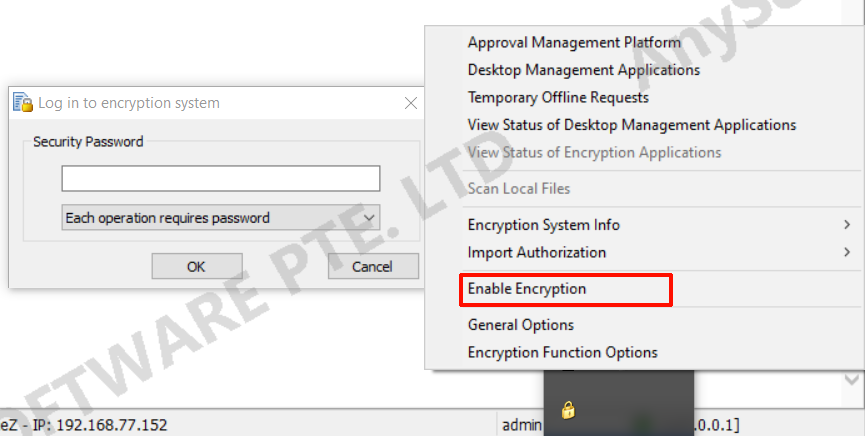
When the client is offline, its offline encryption and decryption permissions require login authorization to function properly.
- In the client system tray, right-click and select "Offline Authorization Login".
- Enter the security password and click OK to enter offline authorization mode.